TikTok LIVE guides
Guides for TikTok LIVE streamers: interactive games, gift games, setup tutorials, AI co-hosts and growth tips.
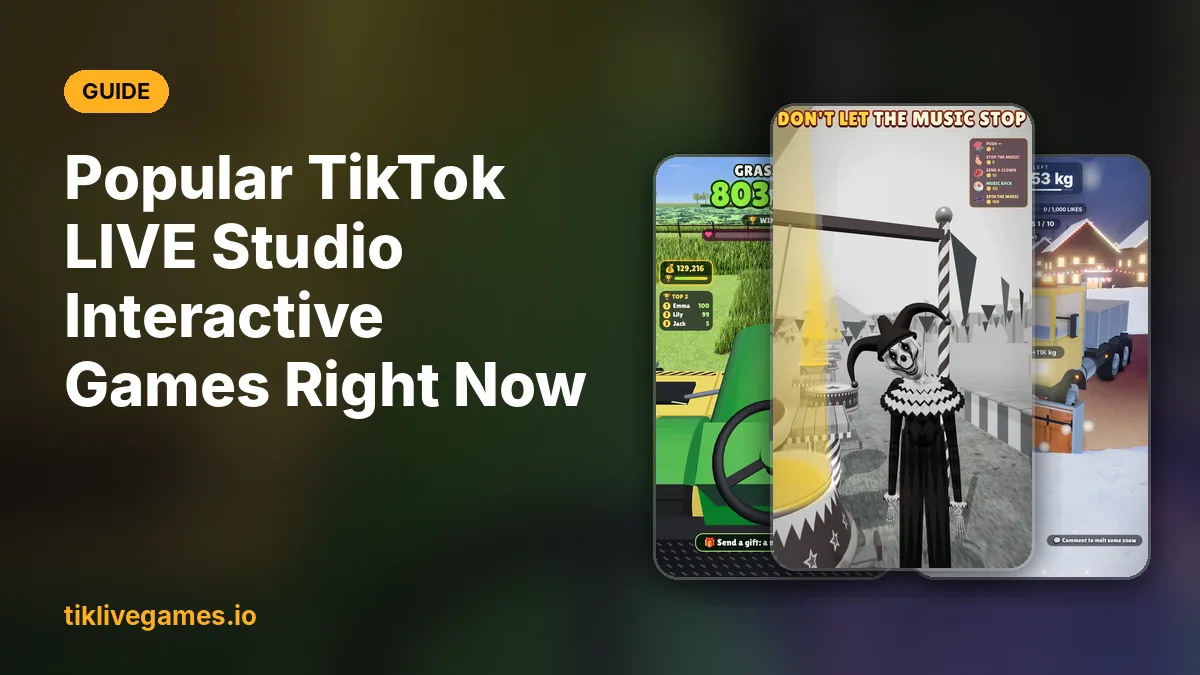
The interactive games that are popular on TikTok LIVE Studio right now: Wild Grass Trimmer, Don't Let the Music Stop, Christmas games and satisfying cleaning games. Plus at least 2 new games every week.
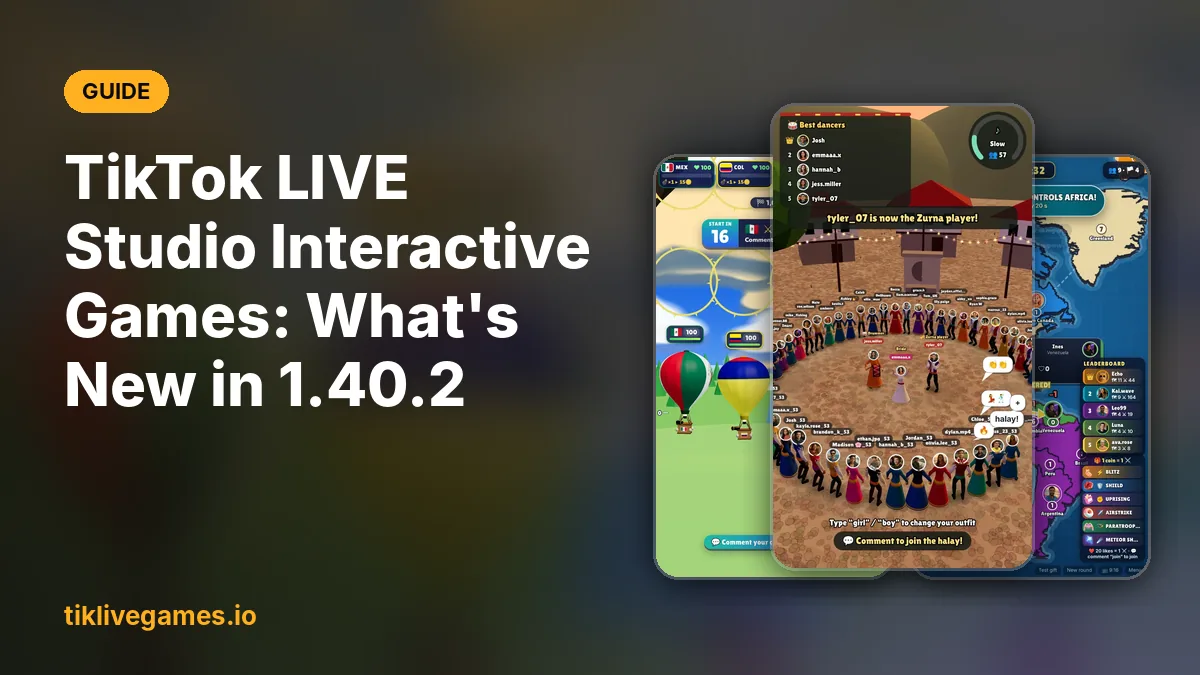
TikTok LIVE Studio 1.40.2 adds Diamonds, viewers and engagement insights for games from its built-in Interactive Games library. What the library is, how to open it, what the update means for third-party games, and when a bigger game catalog fits better.
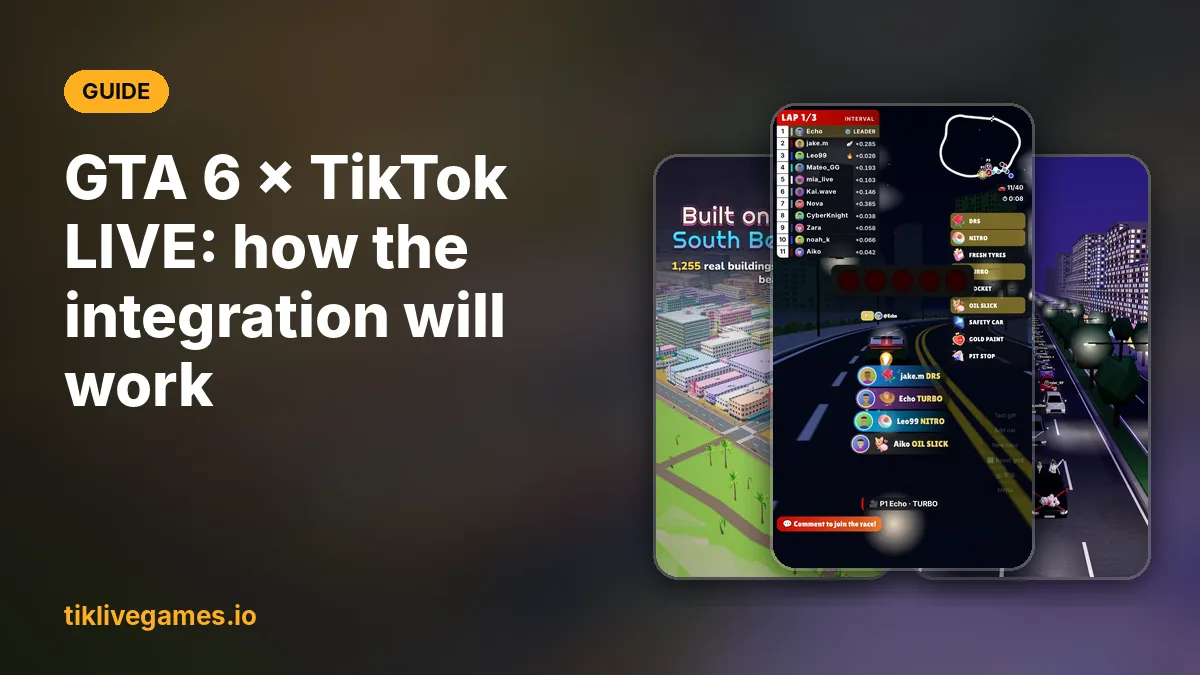
GTA 6 comes out on November 19, 2026 for PS5 and Xbox Series X|S, with no PC version announced yet. How a GTA 6 TikTok LIVE integration will work once it reaches PC, what Rockstar's rules allow, and what you can play on your LIVE today.
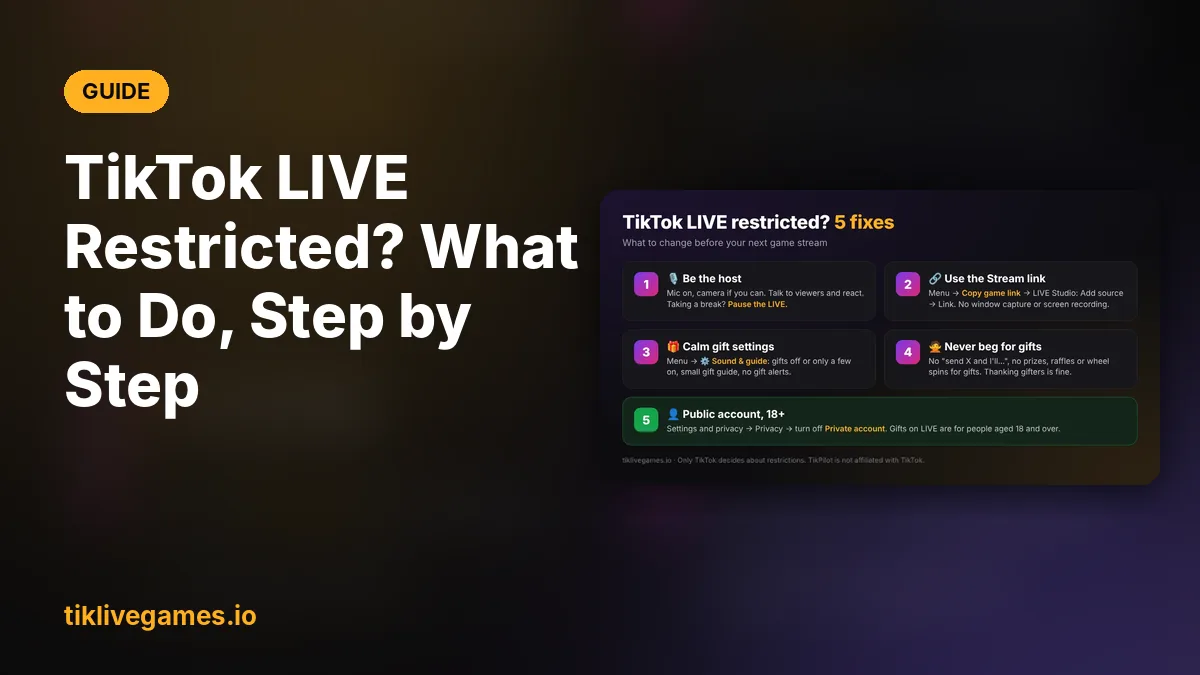
Saw "LIVE visibility restricted" or suddenly almost no viewers? What a TikTok LIVE restriction means, why game streams get restricted and exactly what to change in your game and your LIVE, with pictures.
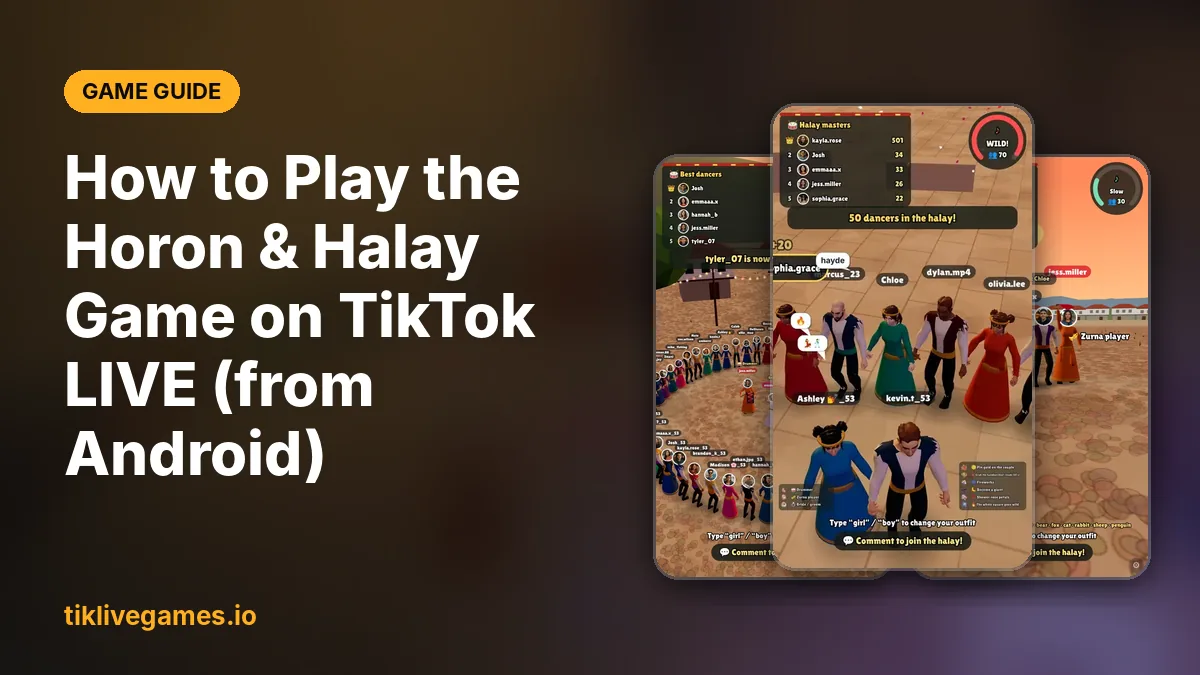
Turn your TikTok LIVE into a Black Sea horon and village halay line: viewers join by comment and dance together, gifts speed up the horon and fire kemençe and drum moments. Here is how to play it from an Android phone, with pictures, and where to get it.
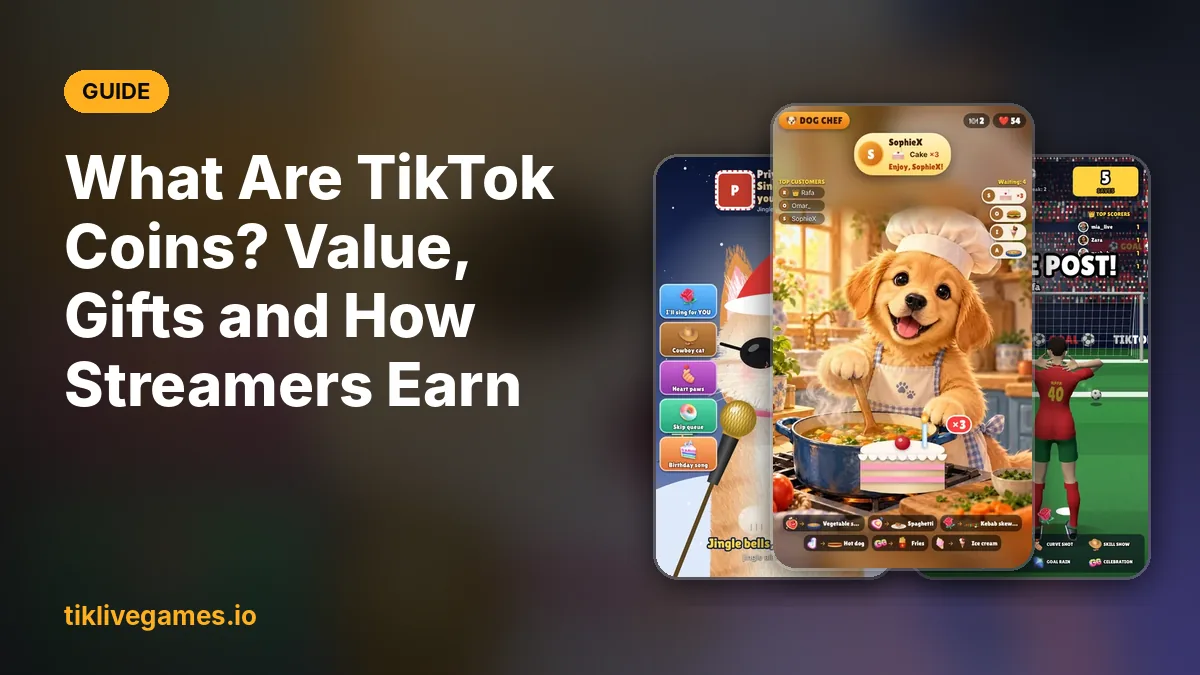
TikTok coins are the virtual currency viewers buy to send gifts on LIVE. Here is what they cost, how coins turn into gifts, diamonds and real money for streamers, and how interactive games use them — with a free calculator for the exact rates.
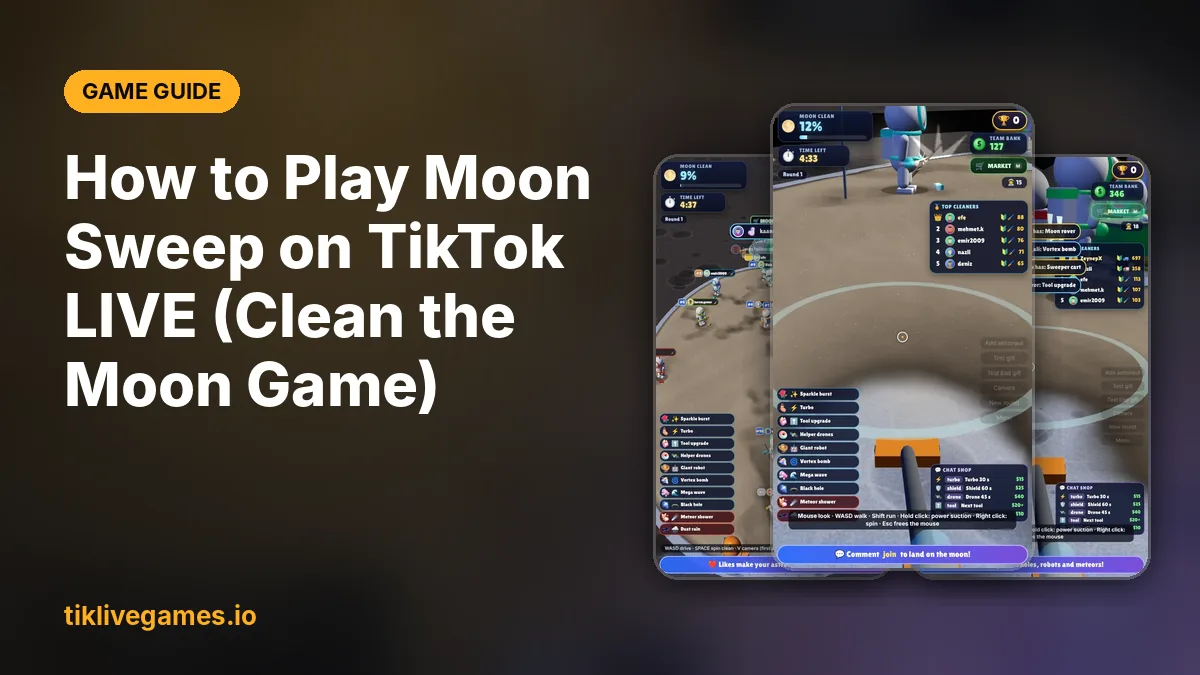
Moon Sweep is the "clean the moon" interactive game for TikTok LIVE: viewers sweep dust off the moon together, and gifts clear it faster and trigger big moments. Here is how it plays, how to run it, and where to get it.
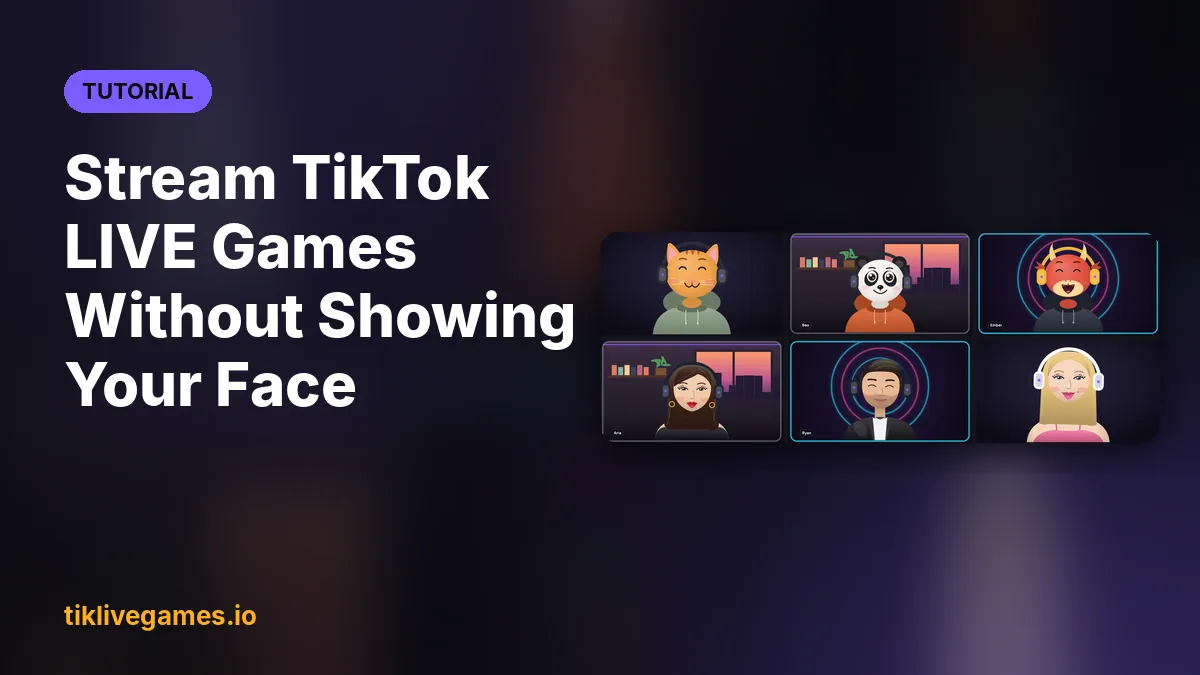
No camera? Put a talking avatar on your overlay that moves with your own voice, change your voice with Voicemod, and stay present the way TikTok's rules expect.
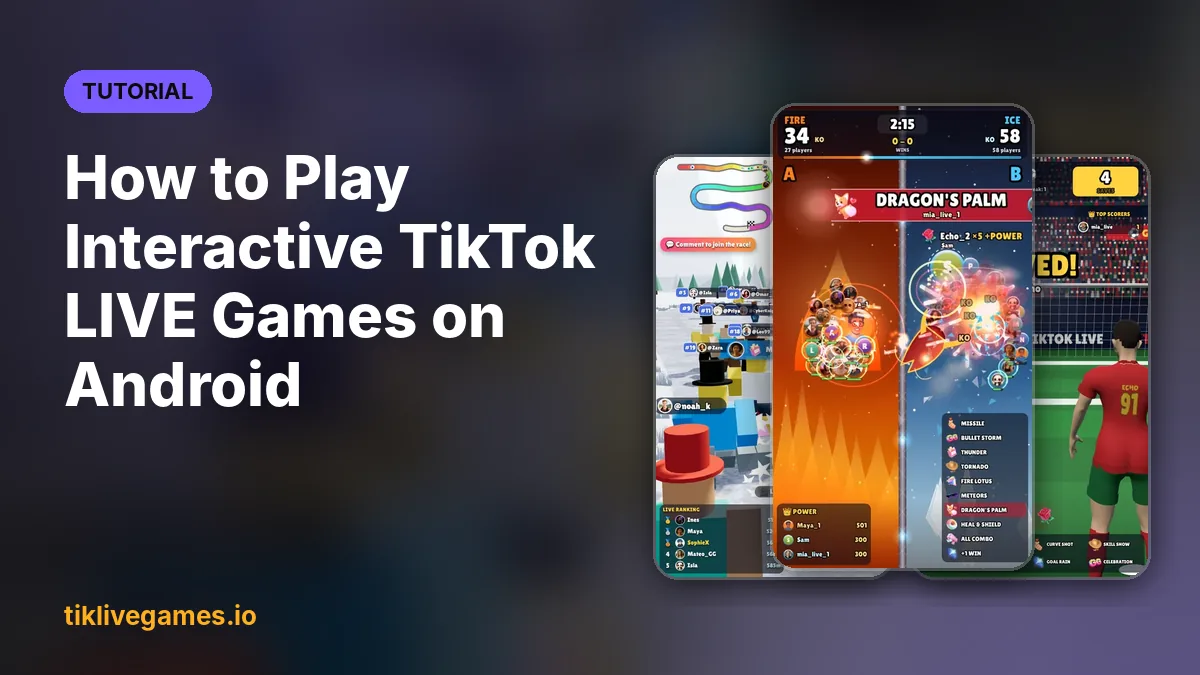
Run interactive TikTok LIVE games from your Android phone with TikPilot for Android: install the APK, connect your LIVE, pick vertical games and stream with TikTok's screen share or a stream key.
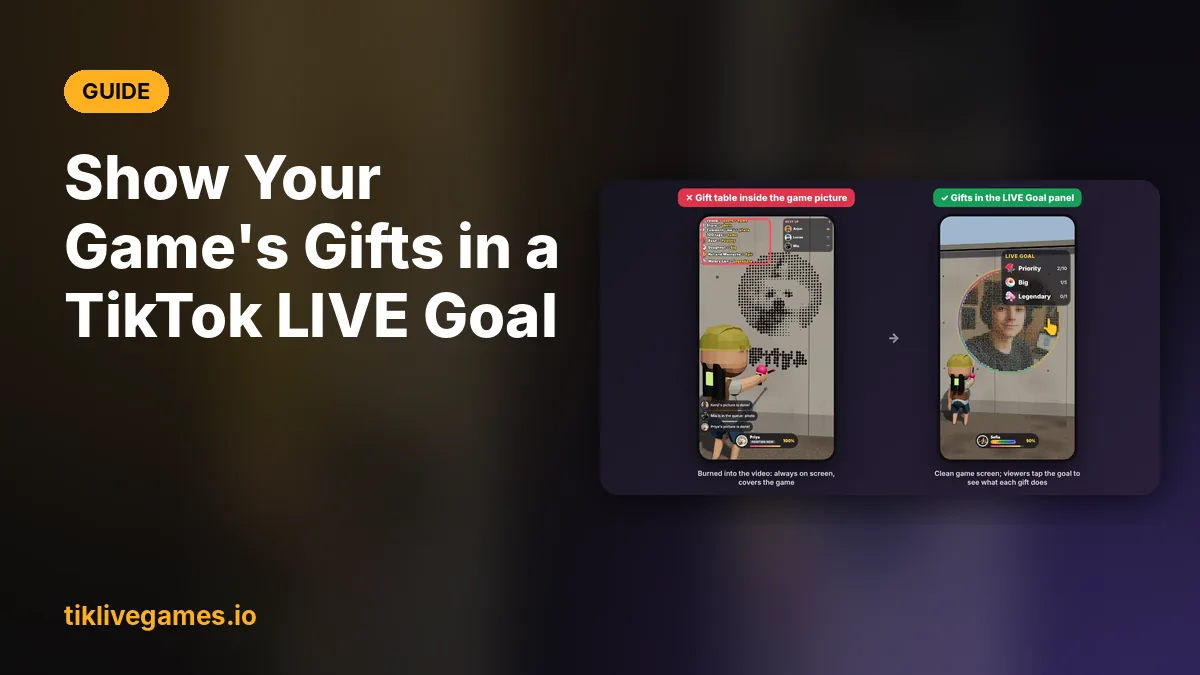
Put your game's gift actions into TikTok's own LIVE Goal instead of a table inside the game picture: viewers tap the goal to see what each gift does, your game screen stays clean, and it's a lower-risk way to show gifts.
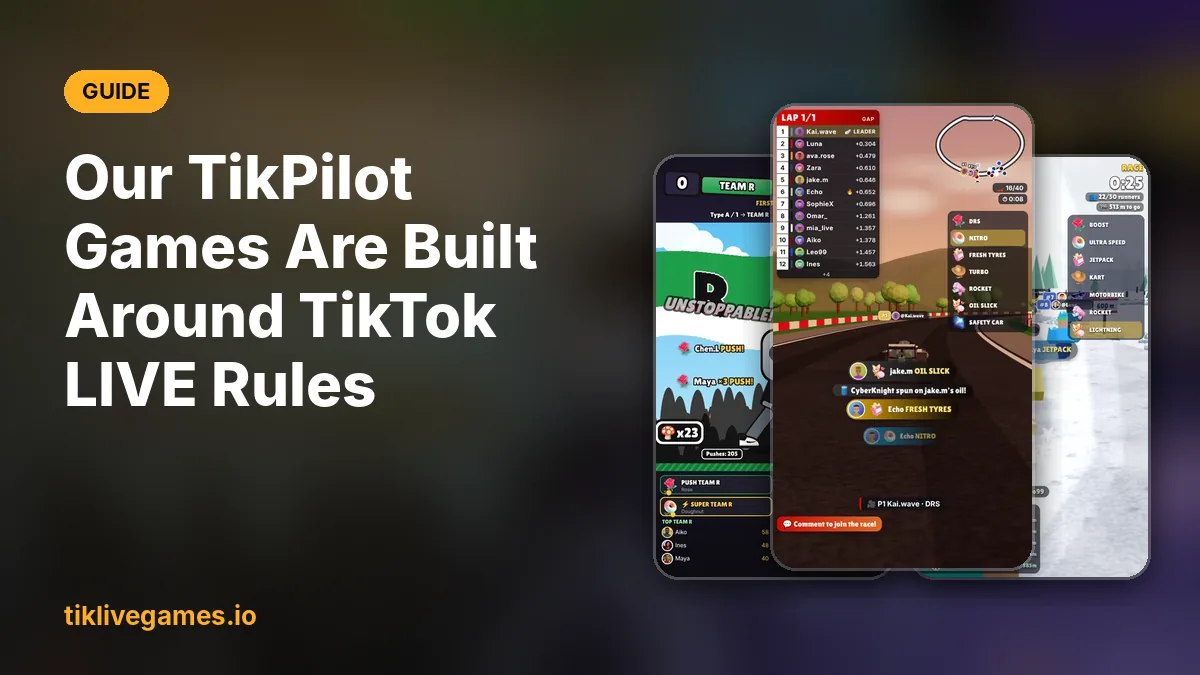
How every TikPilot game is designed to follow TikTok's LIVE rules: optional gifts, a small gift legend, an assistant AI, no chance or prize wording, join-first team games and a clean viewer screen.
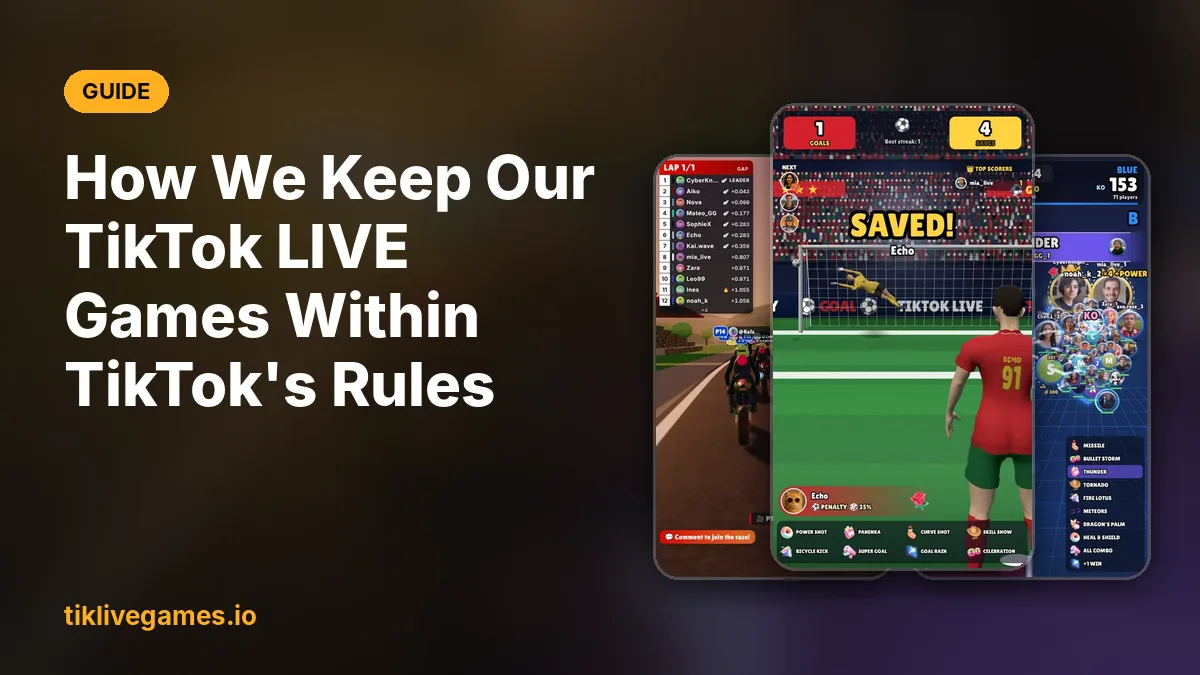
We review and update every game regularly against TikTok's official LIVE rules to help streamers avoid LIVE restrictions. What we changed: smaller gift guides, neutral texts, fixed gift effects, an assistant AI and more.
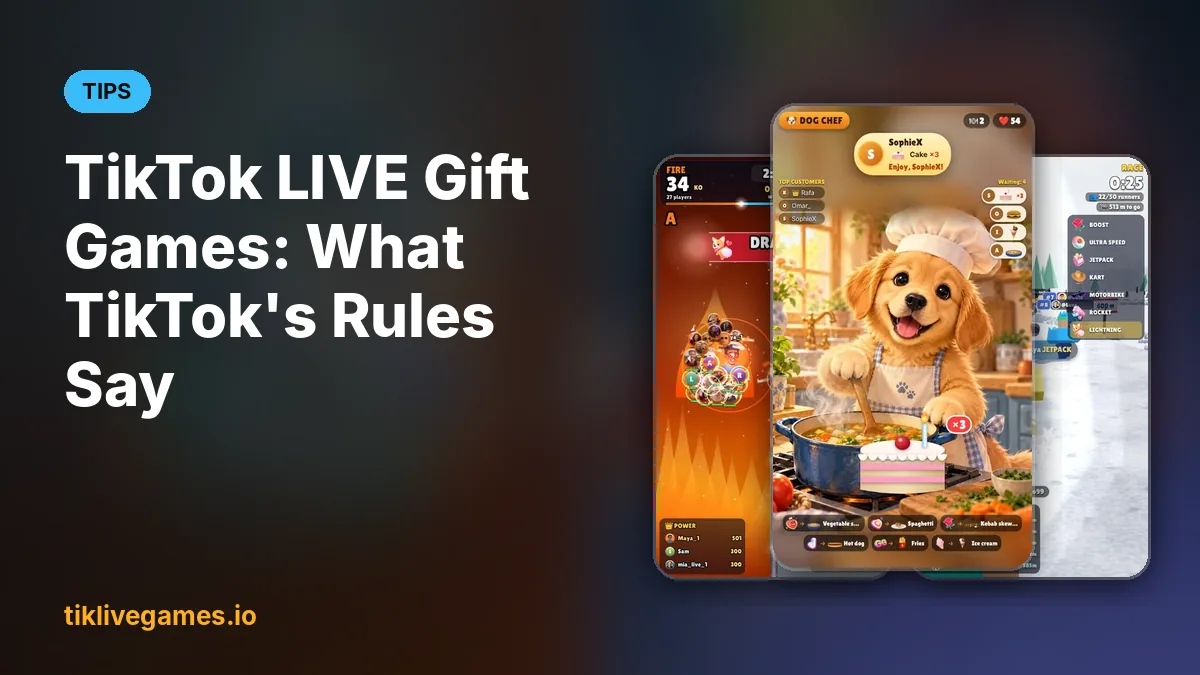
Gift-triggered games are an official TikTok LIVE format. What TikTok's own LIVE pages say about staying present, asking for gifts, gambling, what you show on screen and what can happen after violations.
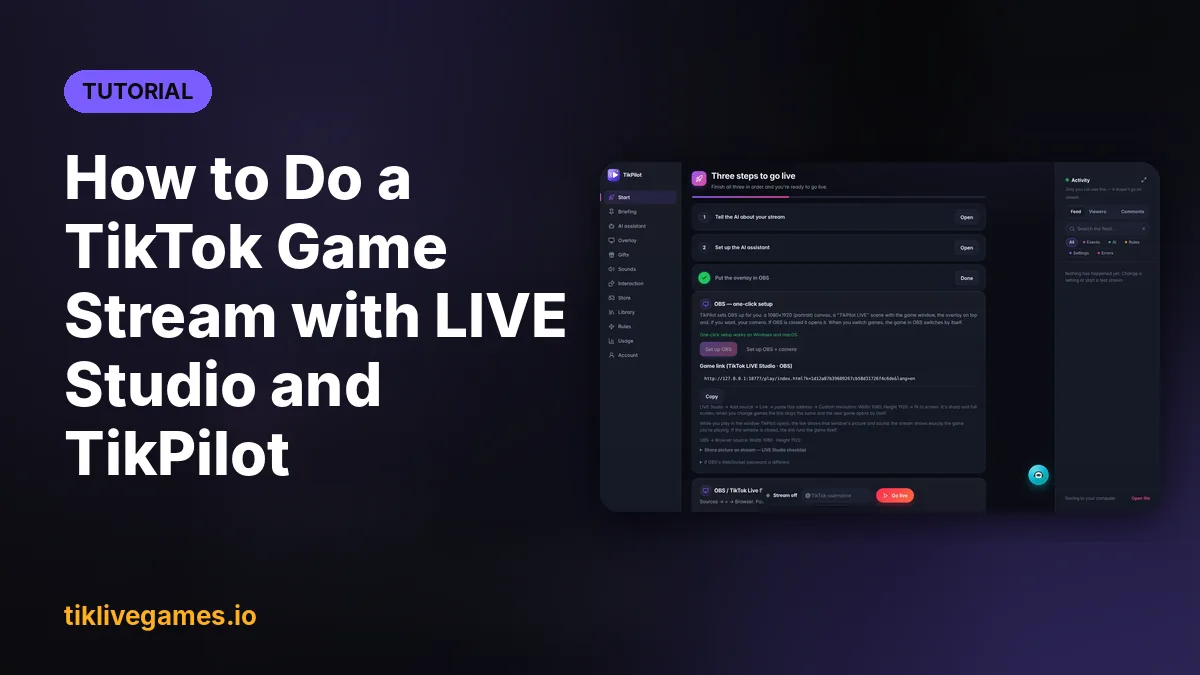
Step by step from zero to a live interactive game: install TikPilot, find a game in the Store, add it to TikTok LIVE Studio or OBS, set gifts and the overlay, test with the keyboard and go live.
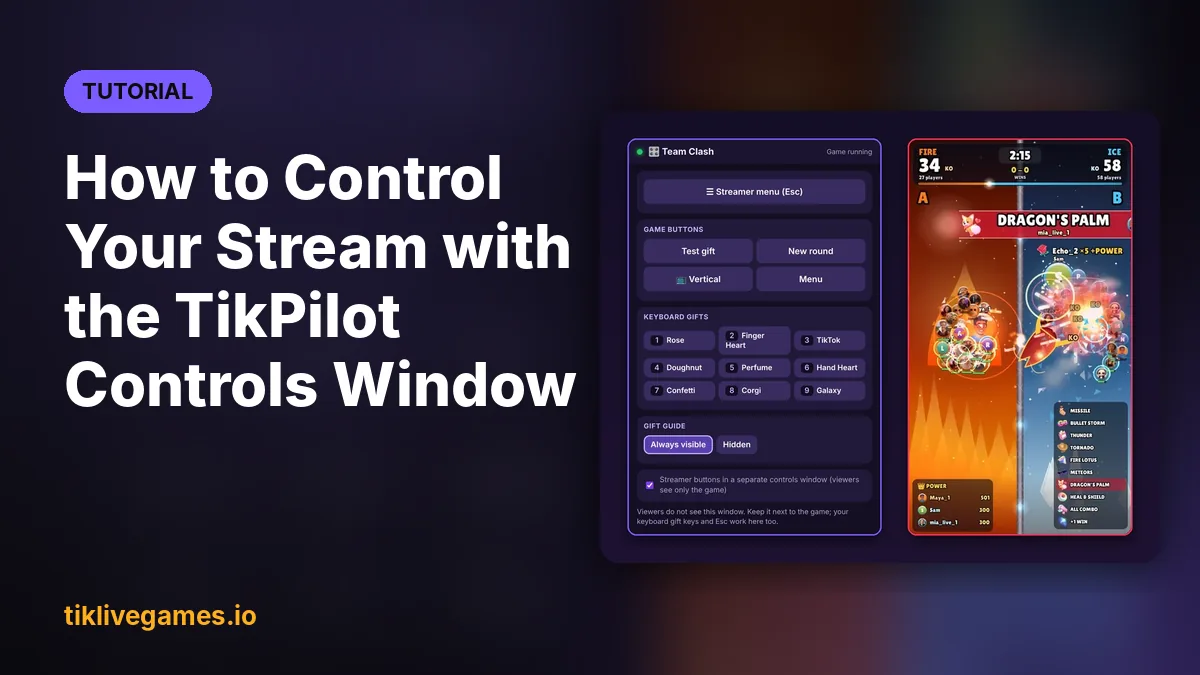
Test gift, New round, the Esc menu and keyboard gifts in a separate window that only you see, so your TikTok LIVE shows only the game. How to open it, what is in it and what to do if it says Waiting for the game.
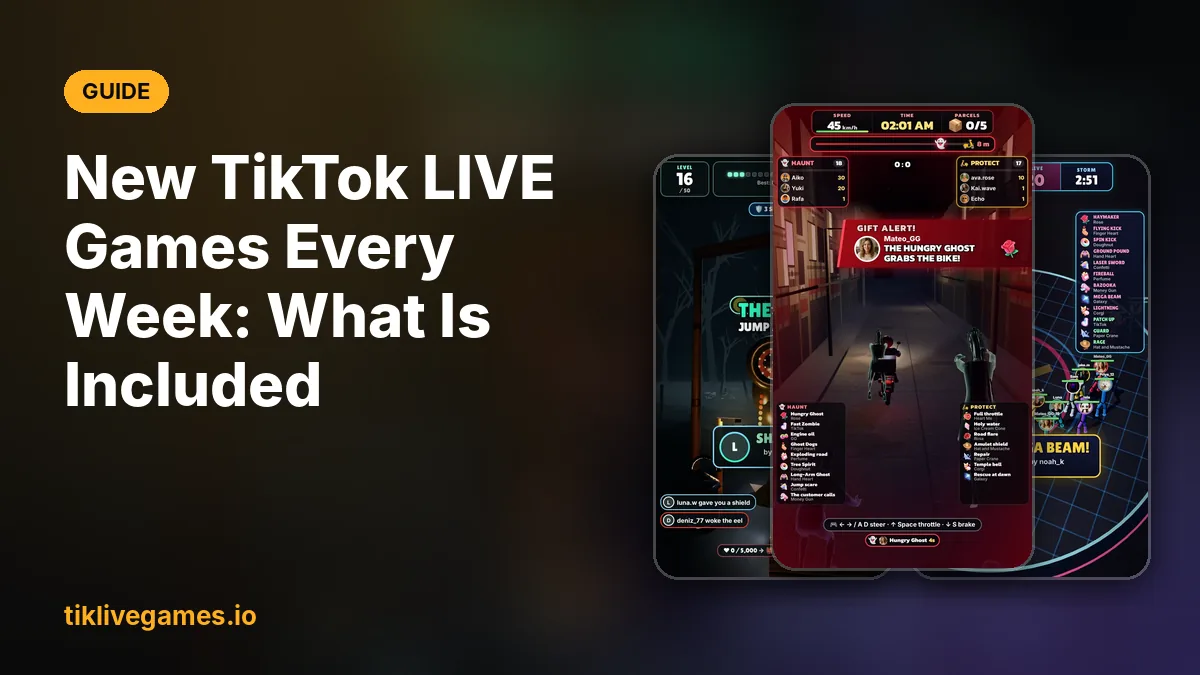
At least 2 new interactive TikTok LIVE games arrive every week. With TikPilot Pro, Premium or Ultra they are included at no extra cost, together with every existing game.
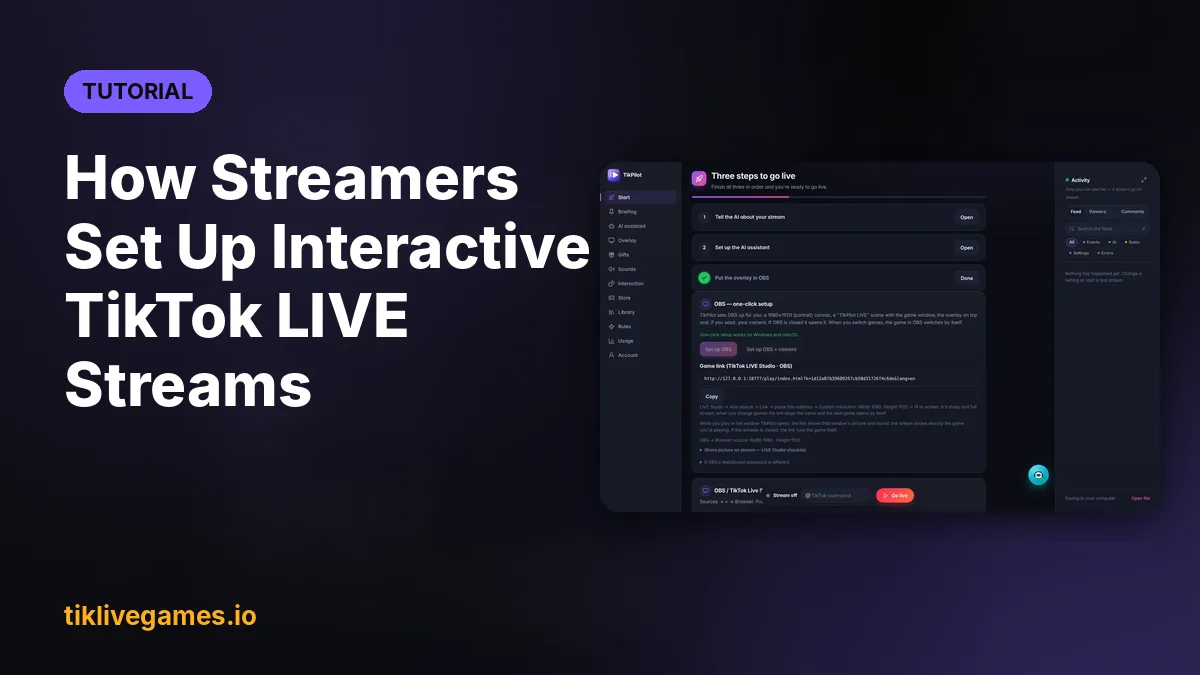
Step-by-step setup for a TikTok LIVE where gifts, comments and likes play a game. You don't need a separate launcher: TikPilot comes with every game at no extra cost.
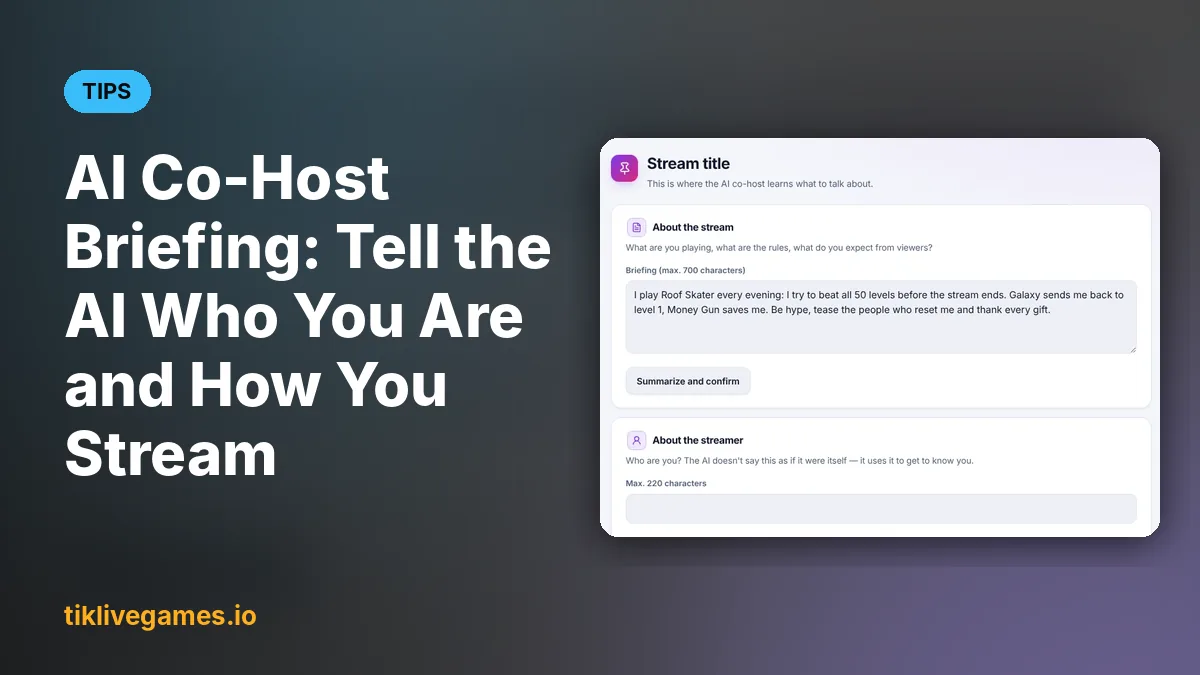
A few sentences in the Stream title tab tell the TikPilot AI assistant what you play, the rules, who you are and how you stream, so its answers fit your TikTok LIVE. Here is what to write, with examples.
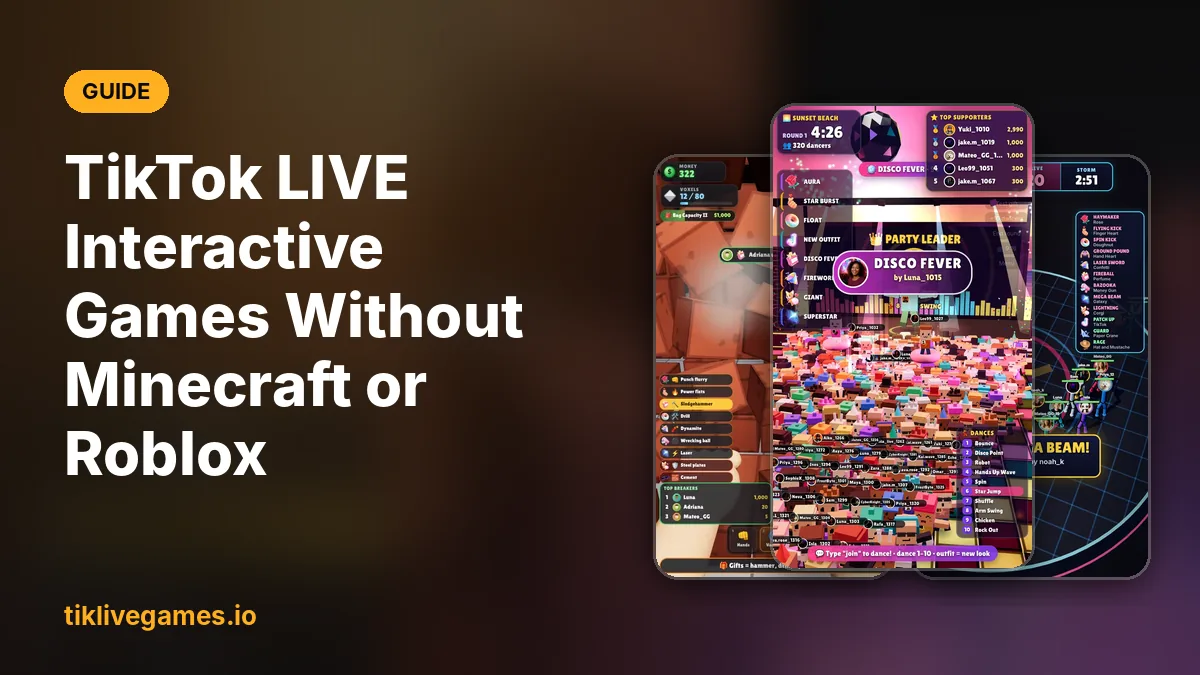
Gift-controlled streams don't need a sandbox game, a mod or a server. These games are made for TikTok LIVE: portrait, connected to your live by themselves, with your viewers' names and photos inside.
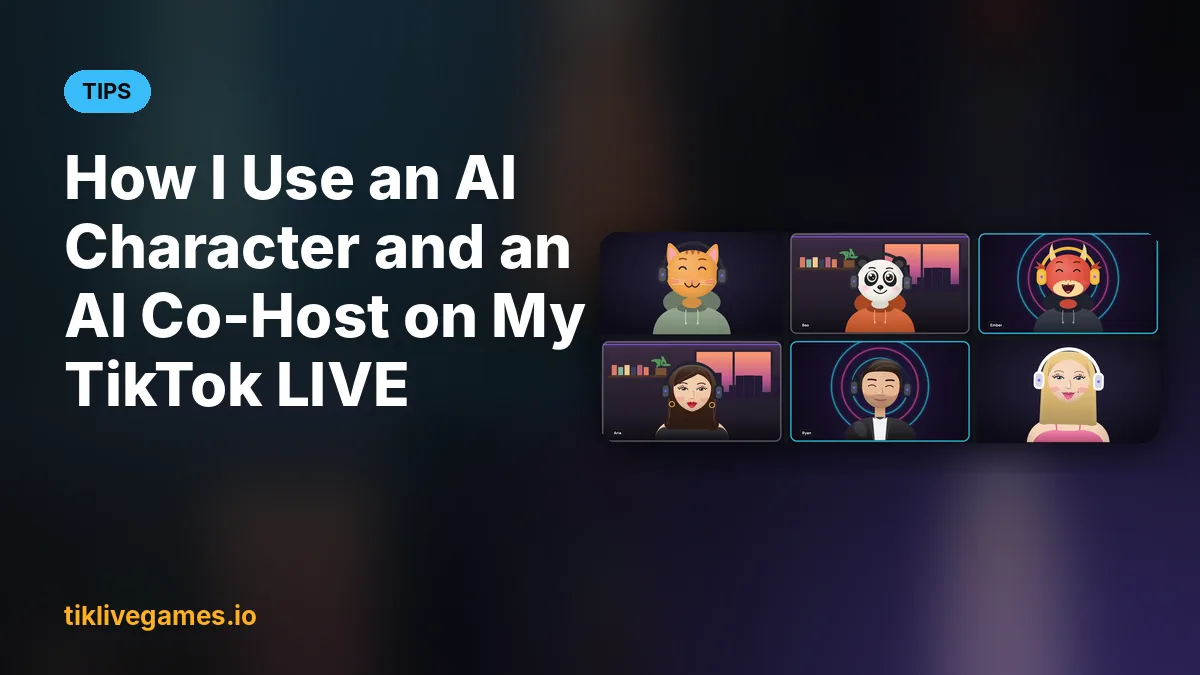
A streamer's walkthrough: picking an AI character for the overlay, making my own photo talk, briefing the AI assistant and choosing what it does.
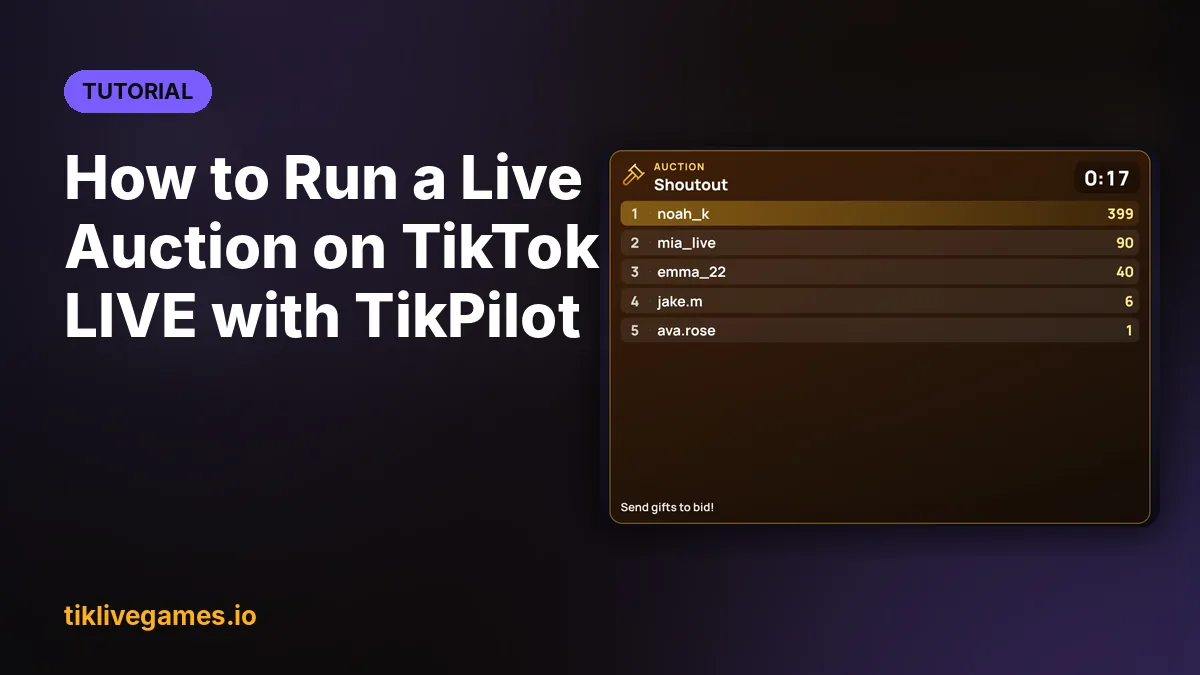
Let viewers bid with gifts for a shout-out or a choice on your stream: every gift adds to that viewer's bid and the highest total gets it. Setup and tips, with screenshots.
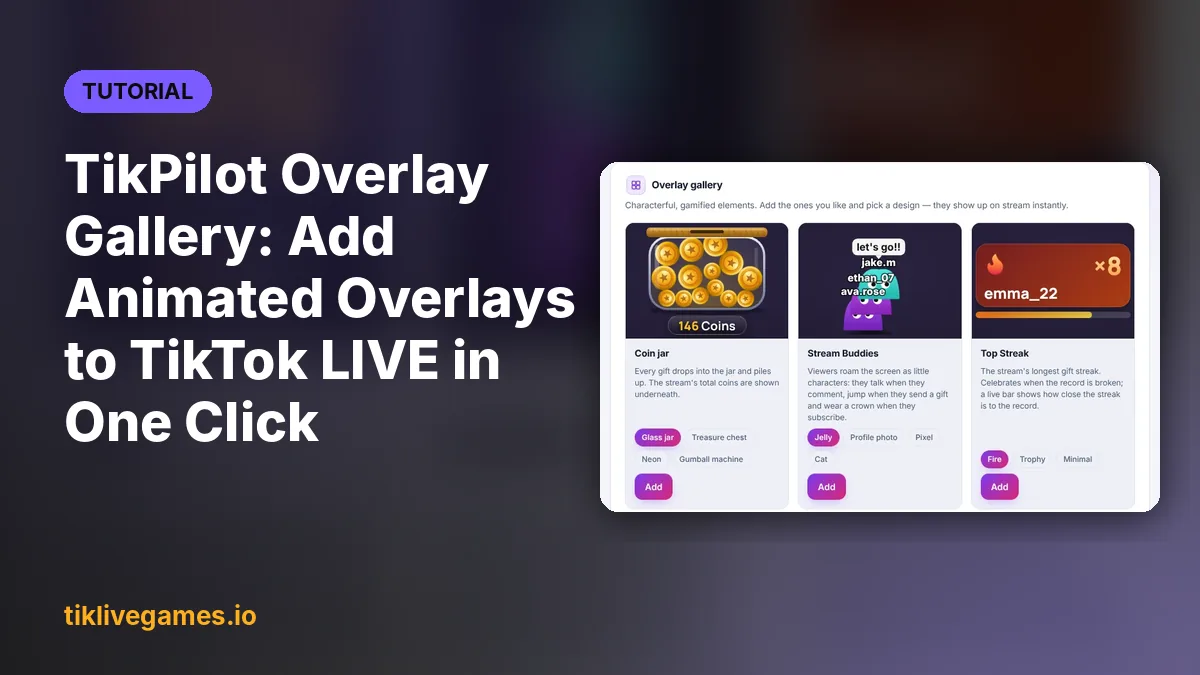
Coin jar, Stream Buddies, live auction, gift aquarium and more: how to add TikPilot's animated overlays, set up OBS in one click and add them to TikTok LIVE Studio with a link.
TikTok does not give a stream key to every account. Who gets Server URL and Stream key, how to open LIVE Producer when there is no Go LIVE button, and how to paste them into OBS.
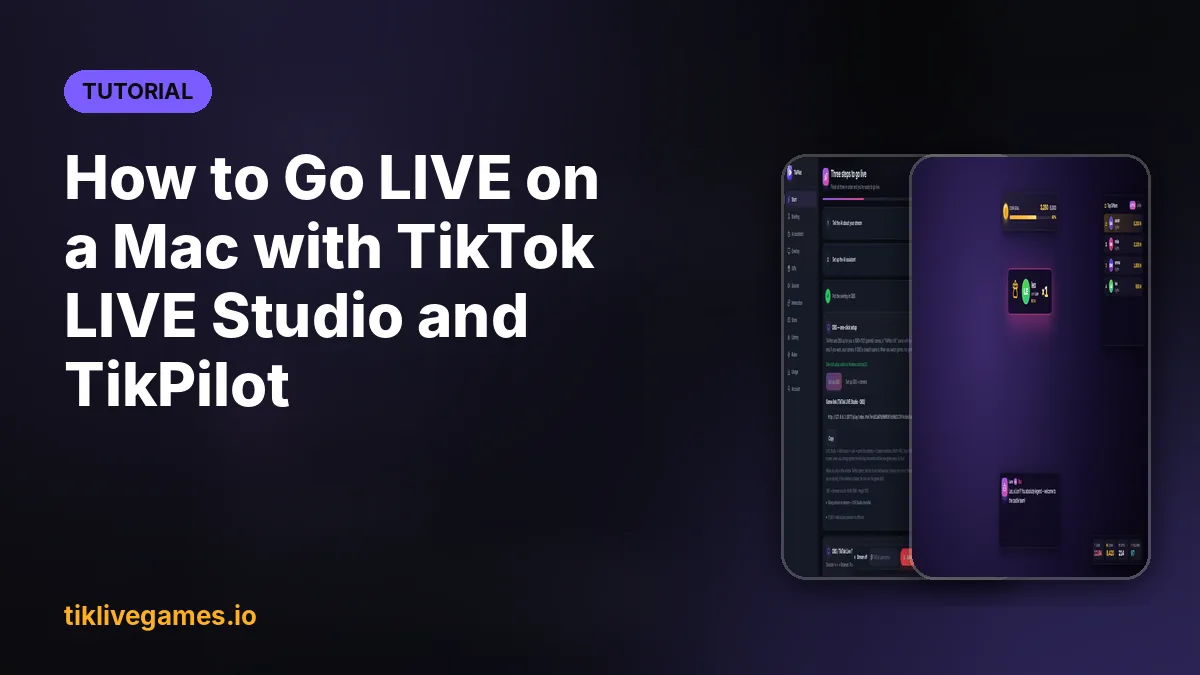
TikPilot 2.3.1 runs on Mac, and every TikPilot game does too. Install TikPilot and TikTok LIVE Studio on macOS, put the game on stream, then go LIVE.
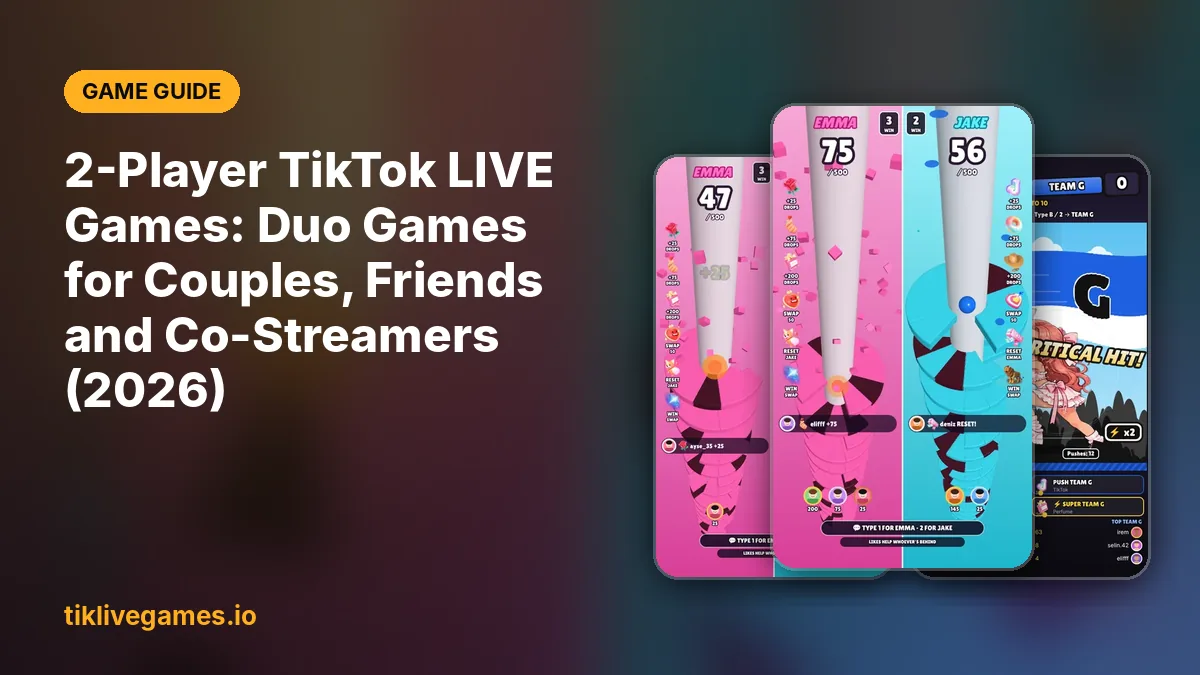
Two streamers, one screen: how 2-player TikTok LIVE games work, how viewers pick a side with 1 or 2, and which duo games turn your chat into two cheering teams.
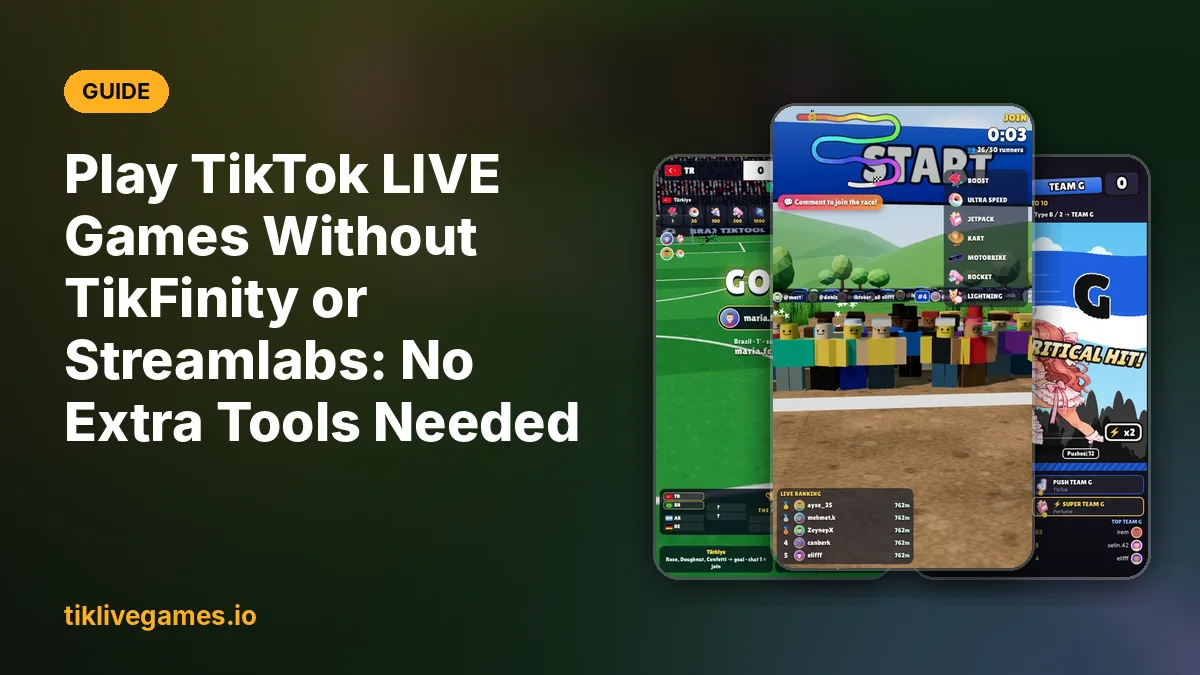
Our TikTok LIVE games connect to your live by themselves. No connector app, no API keys, no alert widgets: just your TikTok username and a broadcasting app such as TikTok LIVE Studio.
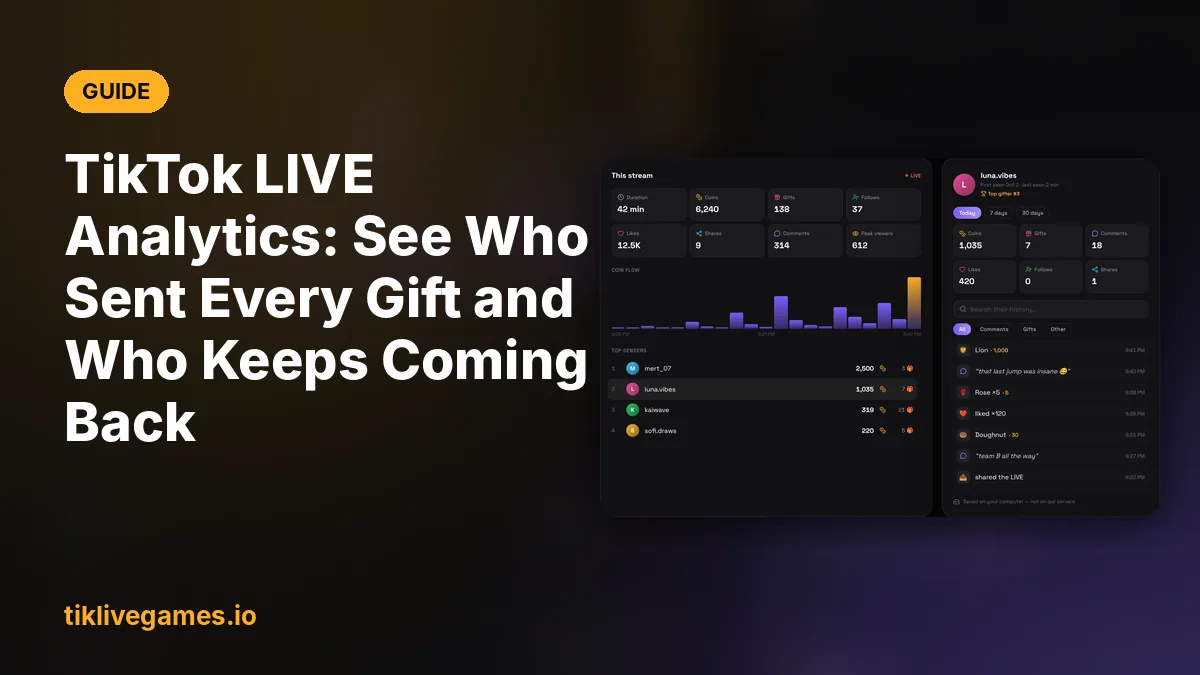
A report for every stream and a profile for every viewer: coins, gifts, comments, likes, follows and shares. How to see who sent what on your TikTok LIVE and how to use it.
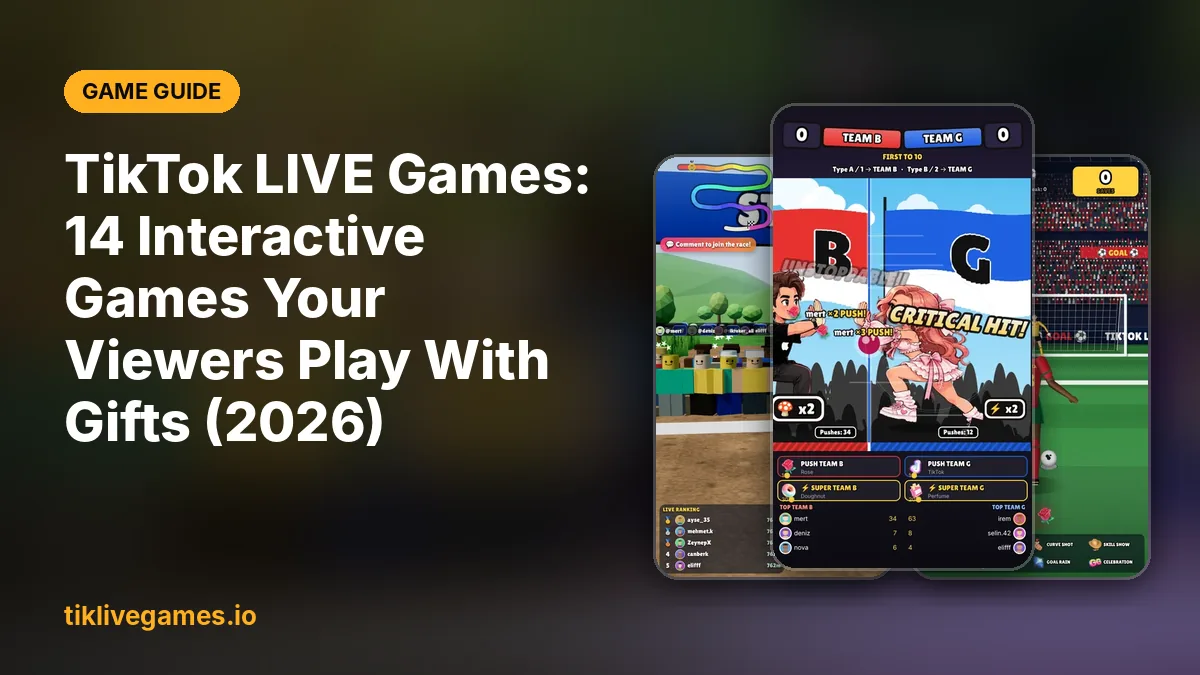
Every kind of TikTok LIVE game in one list: races, team battles, football, zombie and horror, and cute gift reaction games. What each one does and who it suits.
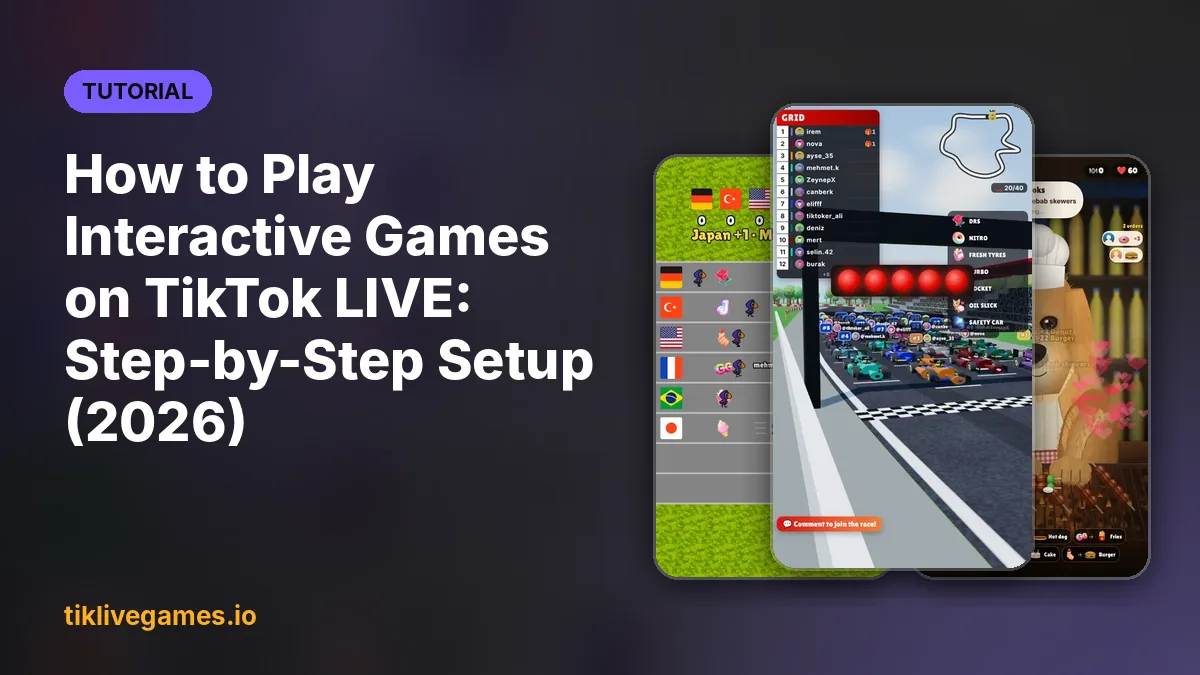
From zero to your first interactive game on TikTok LIVE in about ten minutes: requirements, setup in TikTok LIVE Studio or OBS, and the first stream.
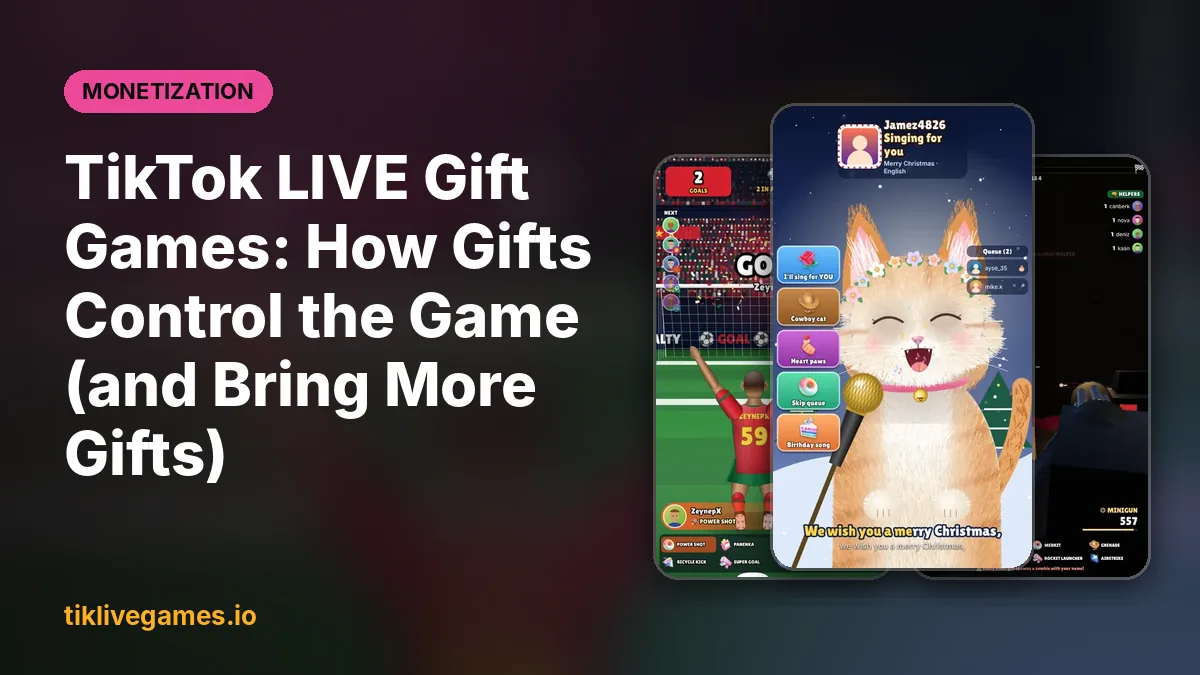
Why gift games earn more than a normal stream, how to map gifts to actions, and five gift setups that work.
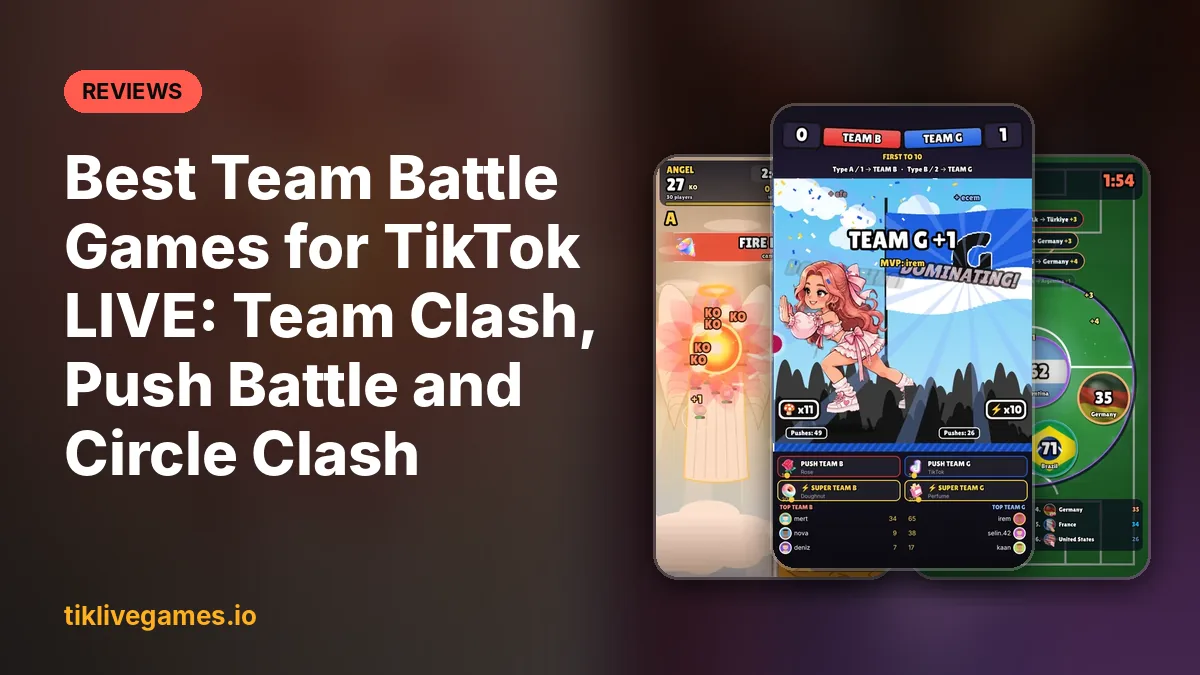
Team games split your chat into two sides, so every comment counts. How the three team battle games differ and which one fits your stream.
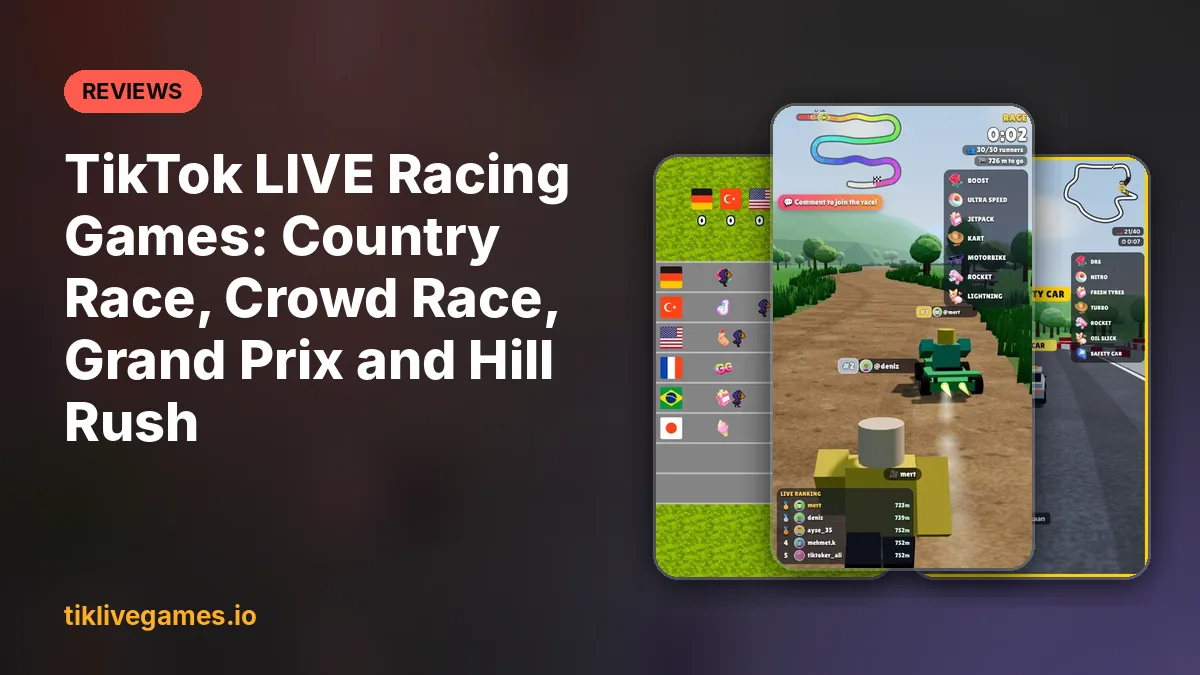
Four racing games for TikTok LIVE where gifts make racers faster. How each race works and which one fits your audience.
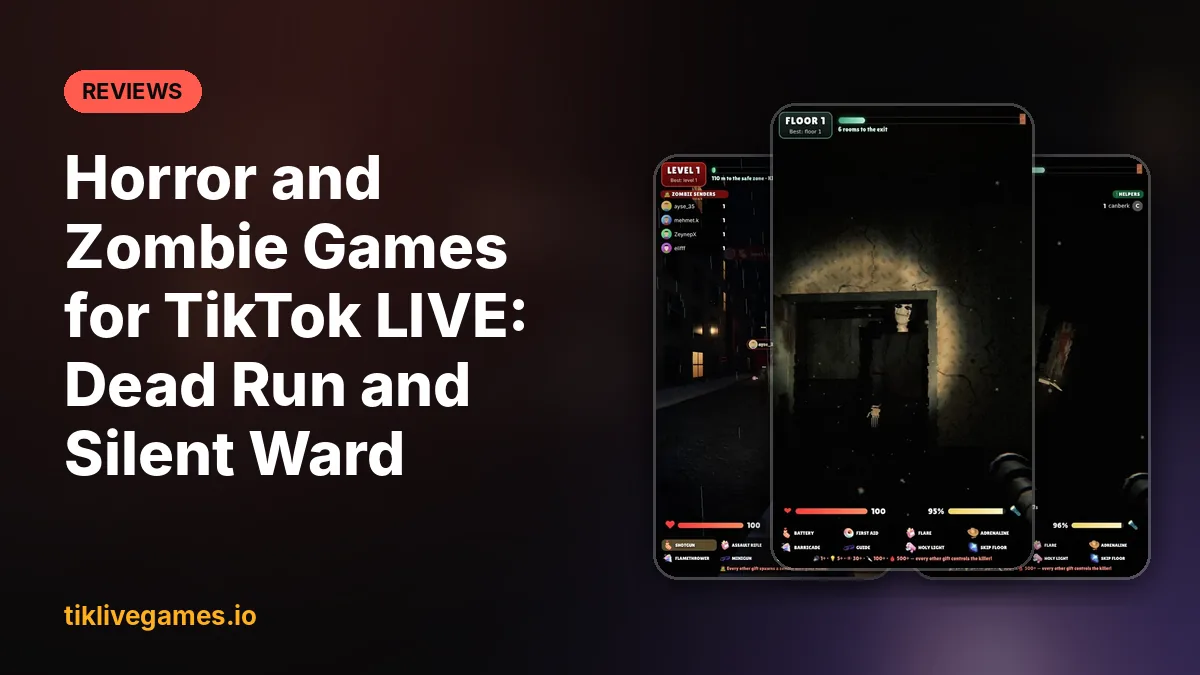
Let your viewers send zombies and a masked killer after you. How the two horror games for TikTok LIVE work and how to stream them.
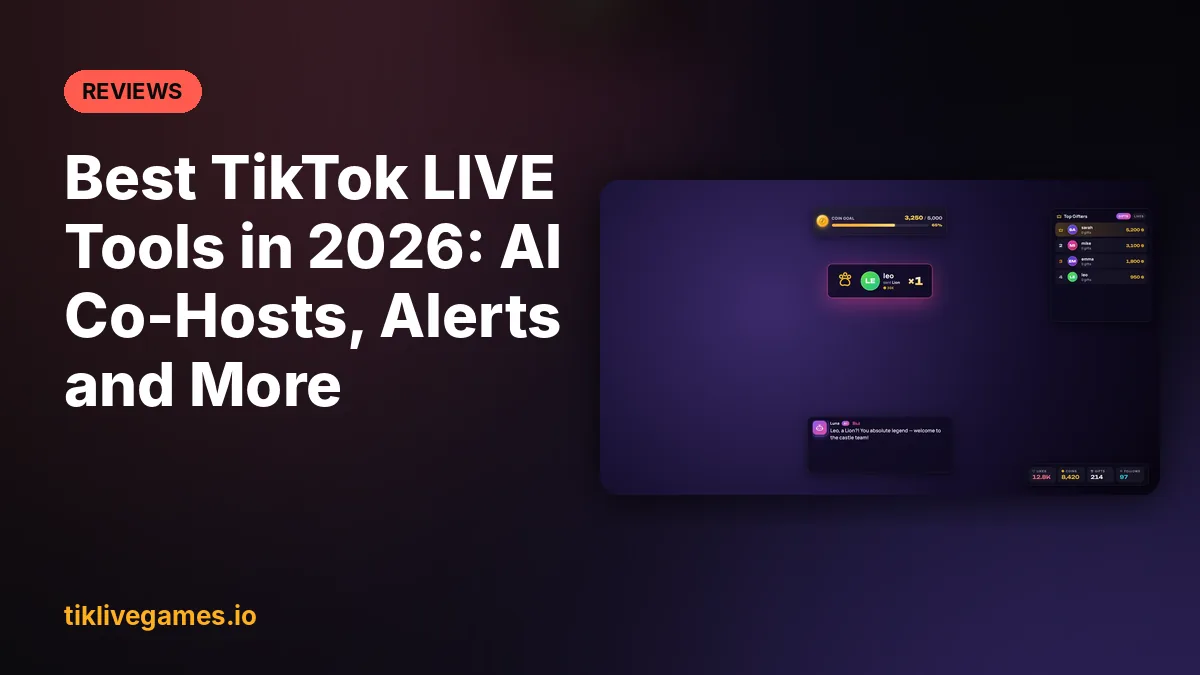
An honest comparison of the TikTok LIVE tools streamers use in 2026, from free alert tools to TikPilot and its voice AI assistant.
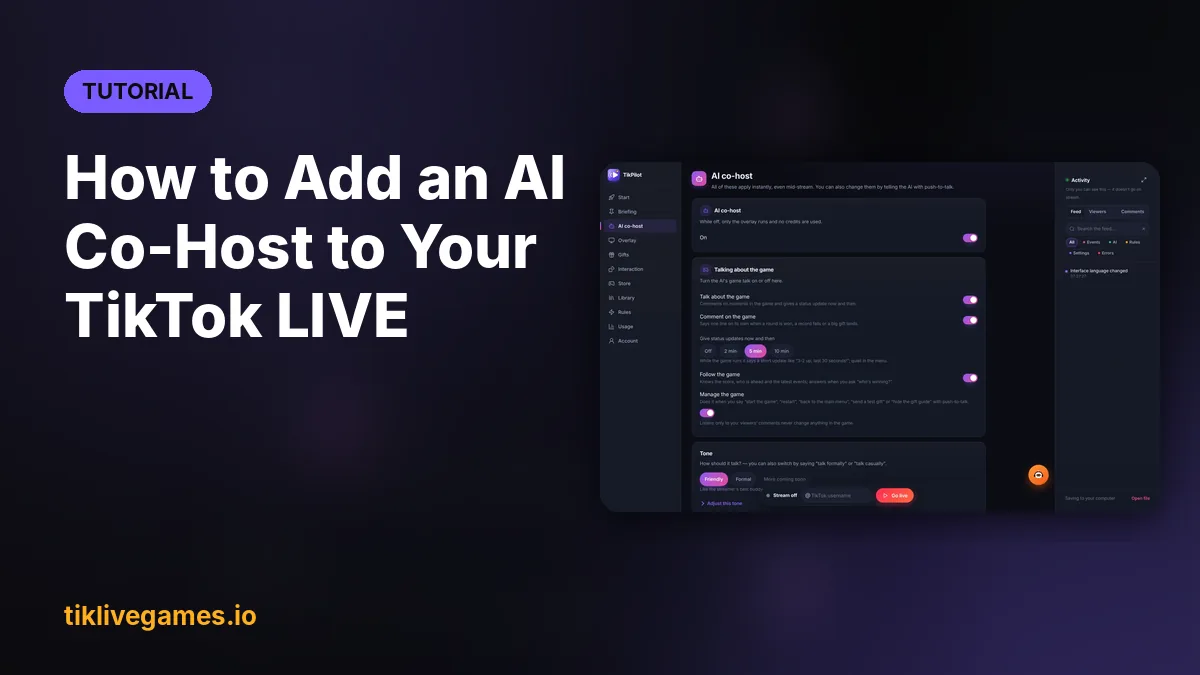
Step-by-step: add a voice AI assistant to your TikTok LIVE that answers your questions, sees your screen and searches the web.
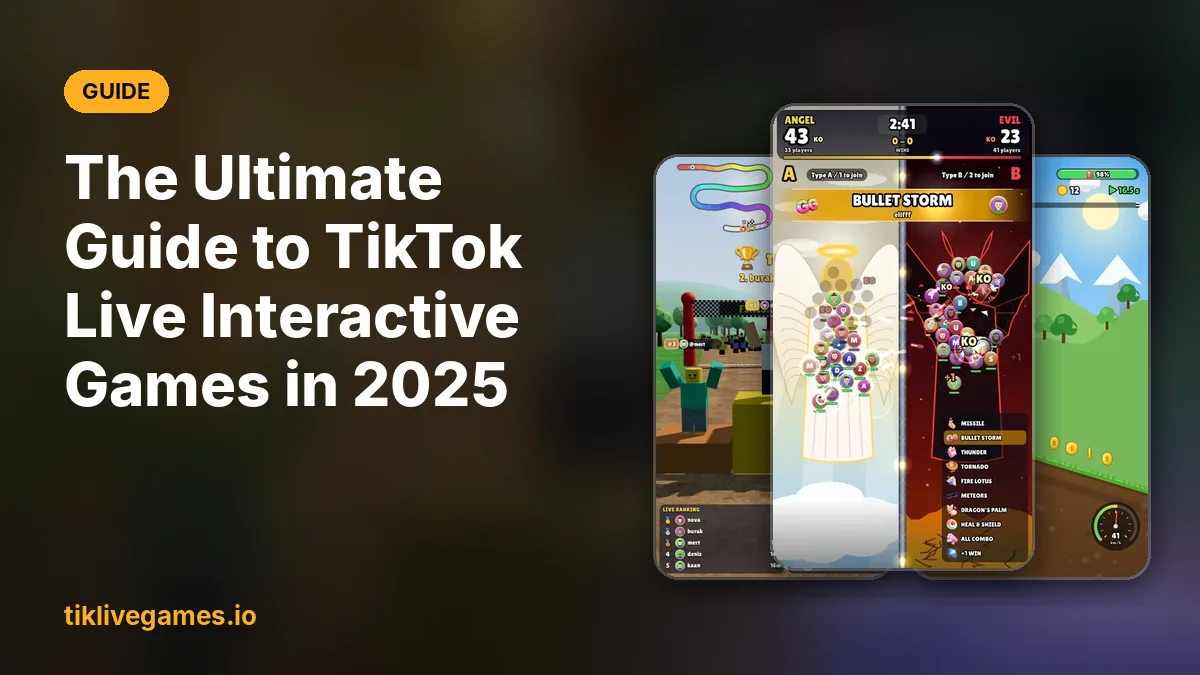
Discover how interactive games are revolutionizing TikTok live streaming. Learn strategies to maximize viewer engagement, increase gifts, and build a loyal community.
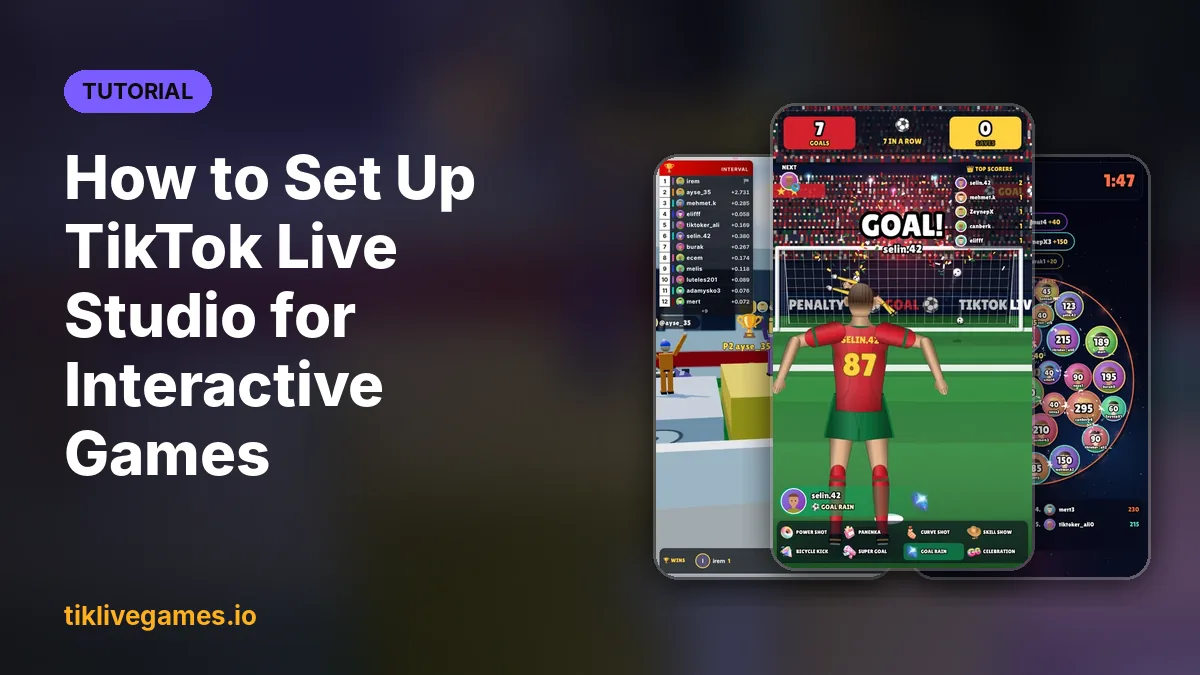
Step-by-step guide to configuring TikTok Live Studio for the best streaming experience with interactive games.
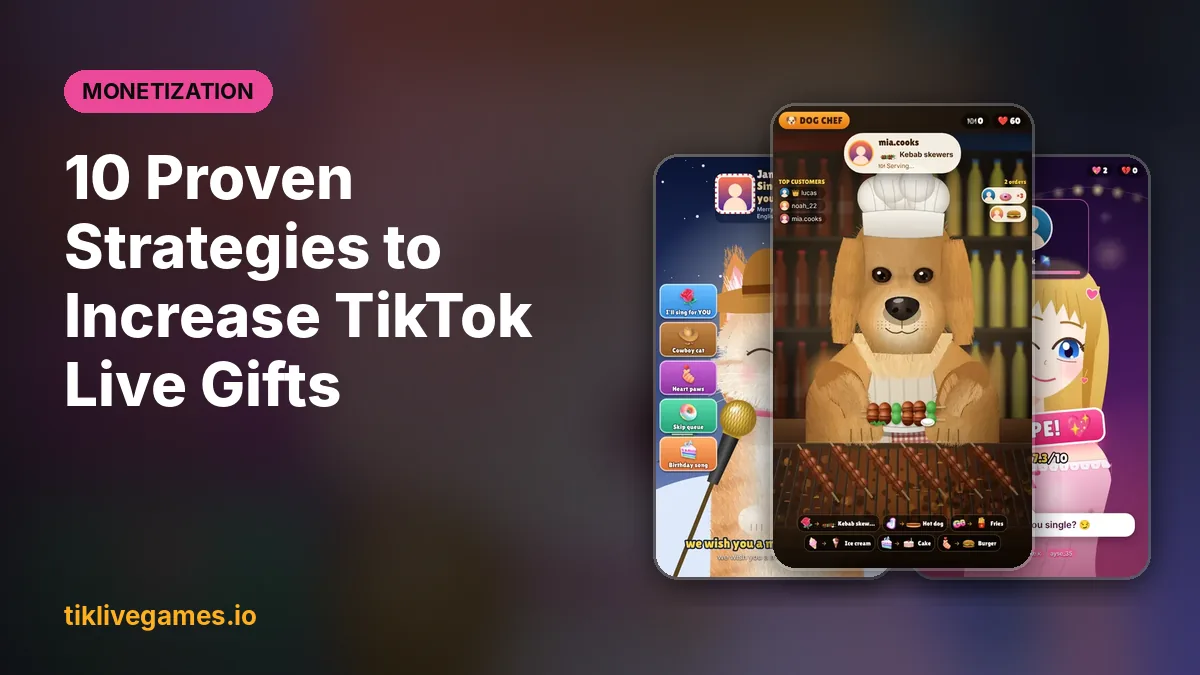
Learn how interactive games can help you earn more gifts and monetize your TikTok live streams effectively.
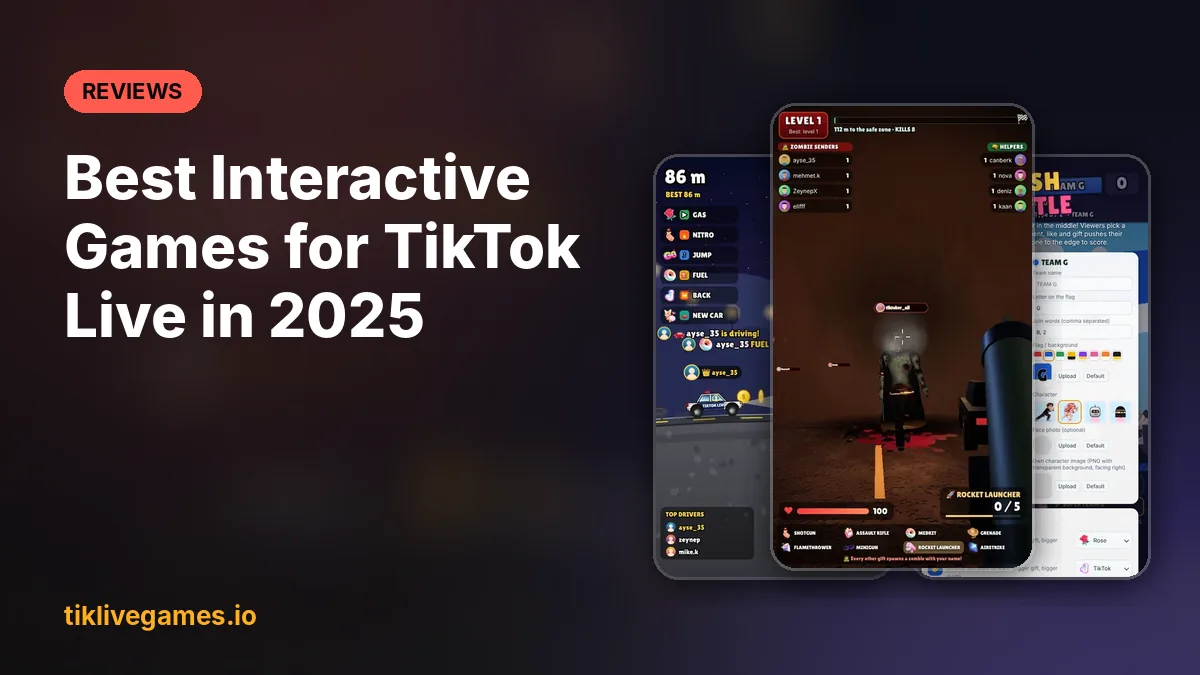
A comprehensive comparison of the top interactive games that will boost your TikTok live stream engagement.
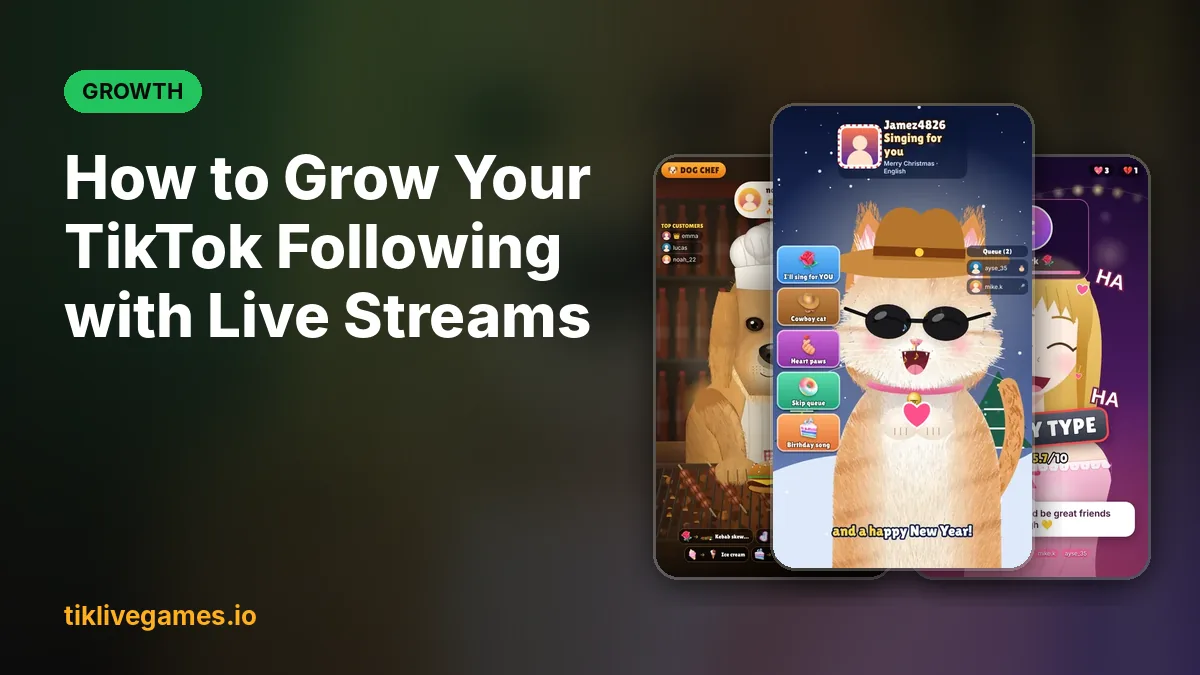
Master the art of building a loyal TikTok community through engaging live streams and interactive content.
Understanding TikTok's requirements for live streaming and how public profiles enable better viewer interaction.
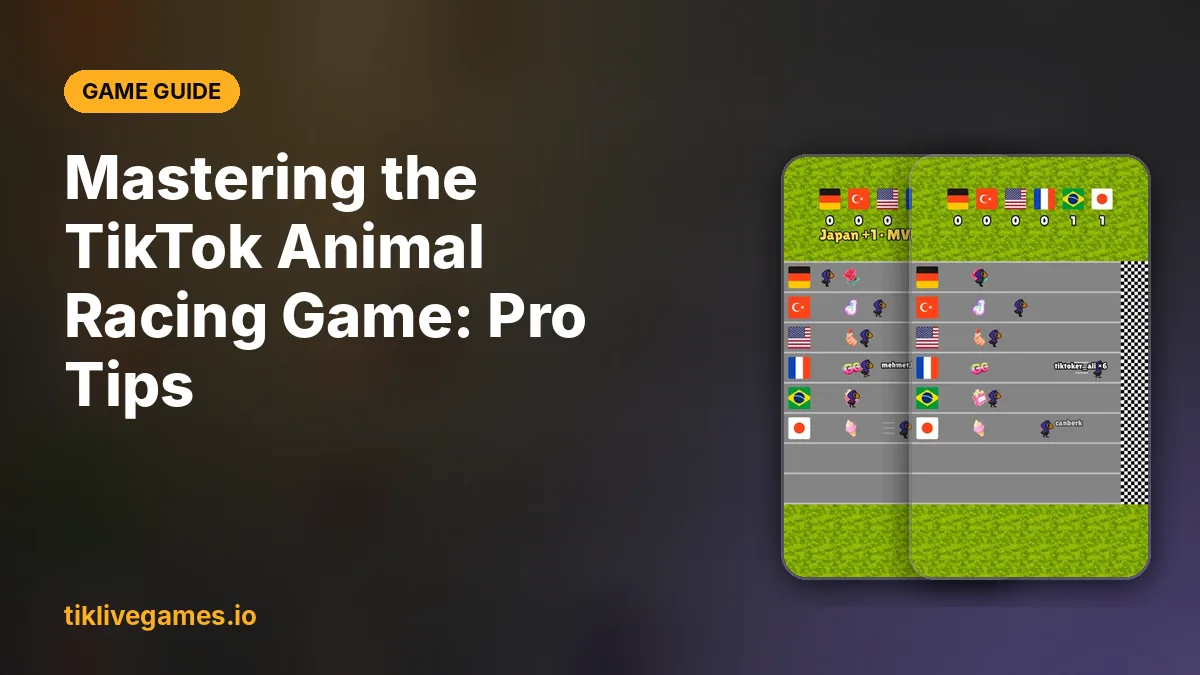
Get the most out of the Animal Racing game with these advanced tips and configuration strategies.