
How to Play Interactive Games on TikTok LIVE: Step-by-Step Setup (2026)
TikLiveGames Team · · 7 min read
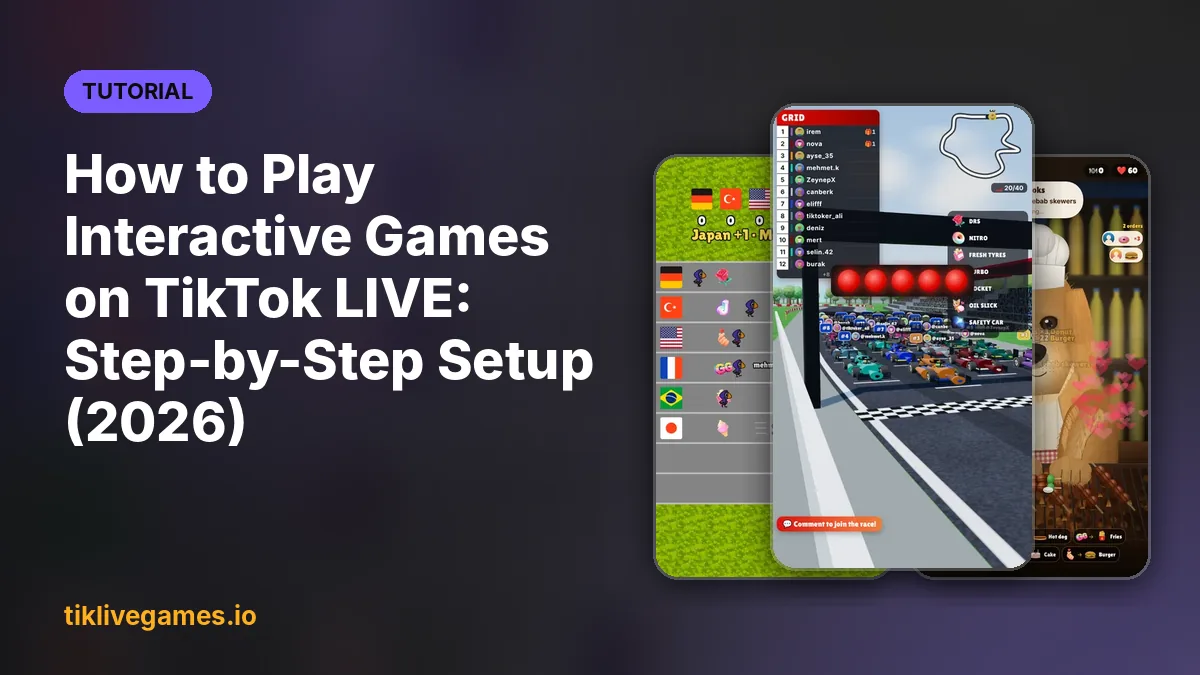
Interactive TikTok games let viewers play on your stream with gifts, likes and comments. Setting one up takes about ten minutes. This guide walks through everything, from the account requirements to your first round.
What you need before you start
- A TikTok account that can go LIVE: usually 1,000+ followers and 18+
- A public TikTok profile, so the game can receive your live events
- A Windows PC or a Mac (every TikTool game runs on both)
- TikTok LIVE Studio, OBS Studio or Streamlabs
Step-by-step setup
- Pick a game on tiklivegames.io/games and subscribe. The download link and your sign-in details arrive by email.
- Install TikTool and sign in with the same email. Your games appear in the Library tab, ready to download.
- Open the game and enter your TikTok username. It connects to your live as soon as you go live.
- In TikTok LIVE Studio add a Window Capture (or a Browser Source in OBS and Streamlabs) and pick the game window. Use a portrait 1080 × 1920 scene.
- Choose which gifts do what in the game menu, for example Rose = small boost, Galaxy = big boost.
- Press the test button in the game to send a fake gift and check that everything shows up in your scene.
- Go live, tell viewers how to play in one sentence, and start the first round.
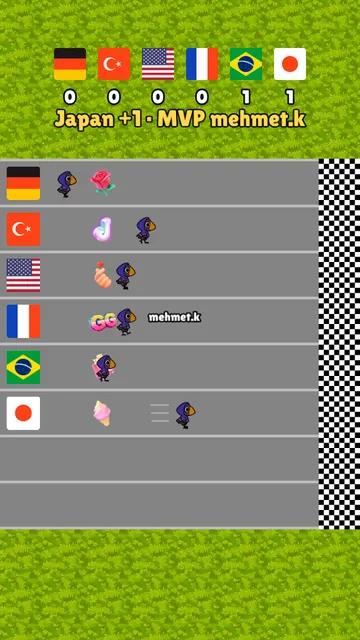
Explain the game in one sentence
Viewers decide in a few seconds whether to join. Put the rules on screen and say them out loud: "Type A or B to join a team, every gift pushes your side." With TikTool's AI co-host this is repeated for new viewers automatically.
Common problems
- The game does not react: check that your profile is public and the username has no @
- The game window is black in the capture: switch the capture method or run the streaming app as administrator
- Viewers do not understand: show the gift list on screen and keep the first round short
Ready to pick your first game? See all TikTok LIVE games