
Best TikTok LIVE Tools in 2026: AI Co-Hosts, Alerts and More
TikLiveGames Team · · 9 min read
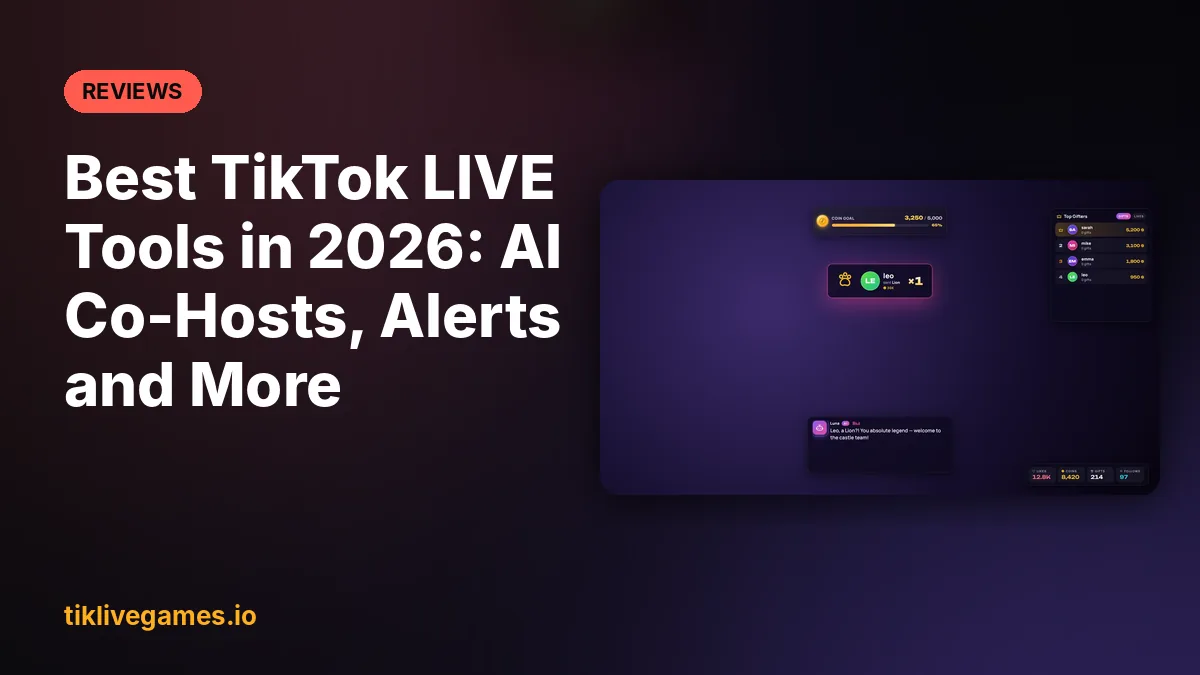
A TikTok LIVE tool connects to your live and reacts when viewers send gifts, follow, share or comment: it plays sounds, shows alerts on an overlay, presses keys in your game or reads messages aloud. In 2026 the big change is AI. Here are the tools worth knowing, what each one is good at, and which one to pick.
1. TikTool: the best TikTok LIVE tool with AI
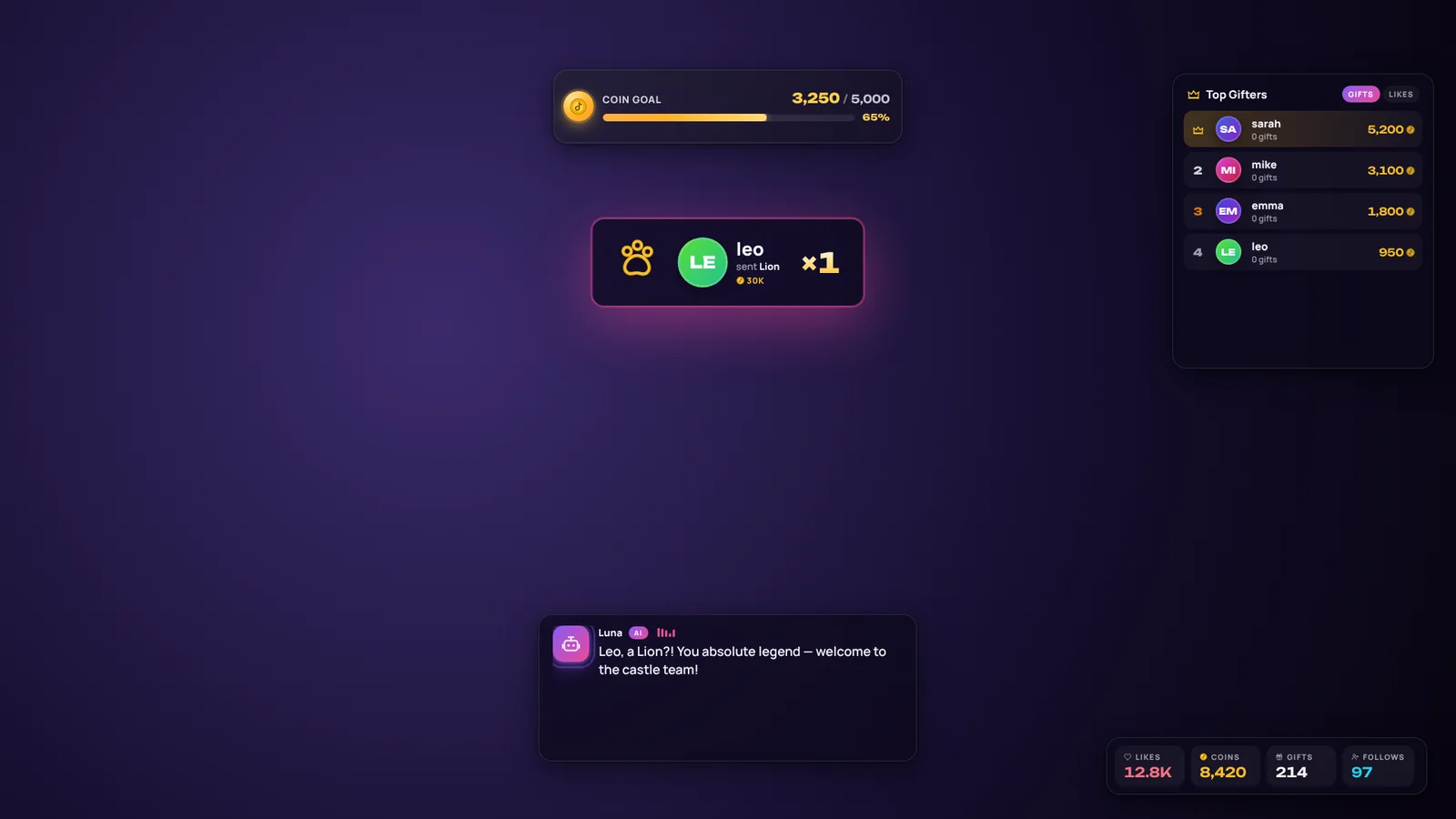
TikTool by TikLive Games is a Windows and Mac app that does everything a classic TikTok LIVE tool does (gift alerts, sound alerts, overlays, coin goals, top gifters, gifts that press game keys, Minecraft commands) and adds an AI co-host. The co-host greets every viewer by name, thanks each gift by its real name out loud, answers questions on air, can see your screen to react to your game and can search the web live. You can also hold a key and talk to it, or describe a rule in plain words and let the AI build it.
- Best for: streamers who want their live to feel hosted, gamers, and creators streaming in a language other than English (20 languages)
- Price: Standard $9.99, Pro $19.99, Premium $29.99, Ultra $69.99 per month. Premium includes TikTool and every interactive game. Ultra includes every game too.
- Works with: TikTok LIVE Studio, OBS Studio and Streamlabs (Windows 10/11 and macOS)
2. Free alert and text-to-speech tools
Several free TikTok LIVE tools offer sound alerts, text-to-speech, simple overlays and gift-triggered actions such as key presses, often with limits on the free plan and a paid upgrade. They are a good starting point, but none of the classic ones include an AI co-host.
- Best for: streamers who only need free alerts and TTS
- Price: free tiers with limits, paid upgrades
3. TikTok LIVE Studio built-in features
TikTok LIVE Studio, TikTok's own streaming app, has basic alerts, comments on screen and LIVE goals. It is enough for a first stream, but it has no gift-to-key actions, custom sound per gift or AI. Most streamers add a dedicated tool on top.
4. Streamer.bot: automation for power users
Streamer.bot is a free and very powerful Windows automation tool. It can do almost anything if you are willing to build actions and scripts yourself, and it is often combined with another tool that provides the TikTok connection. It is not aimed at beginners.
5. StreamElements and Streamlabs
StreamElements and Streamlabs are well known for overlays and alerts on Twitch and YouTube. Their TikTok LIVE support is more limited, so TikTok-first streamers usually choose a TikTok-specific tool.
Quick comparison
- AI co-host that talks to viewers: TikTool only
- Free plan: free alert tools, Streamer.bot, TikTok LIVE Studio
- Gifts press keys in games: TikTool, most alert tools, Streamer.bot
- Minecraft integration: TikTool and some alert tools
- Interactive TikTok games included: TikTool Premium and Ultra
Which TikTok LIVE tool should you choose?
If you only need free alerts, start with a free alert tool. If you want the most automation and do not mind building it yourself, try Streamer.bot. If you want an AI that hosts with you, keeps the chat alive and turns gifts into actions without hours of setup, choose TikTool.
See TikTool plans and features. Explore TikTool