
How to Run a Live Auction on TikTok LIVE with TikTool
TikLiveGames Team · · 5 min read
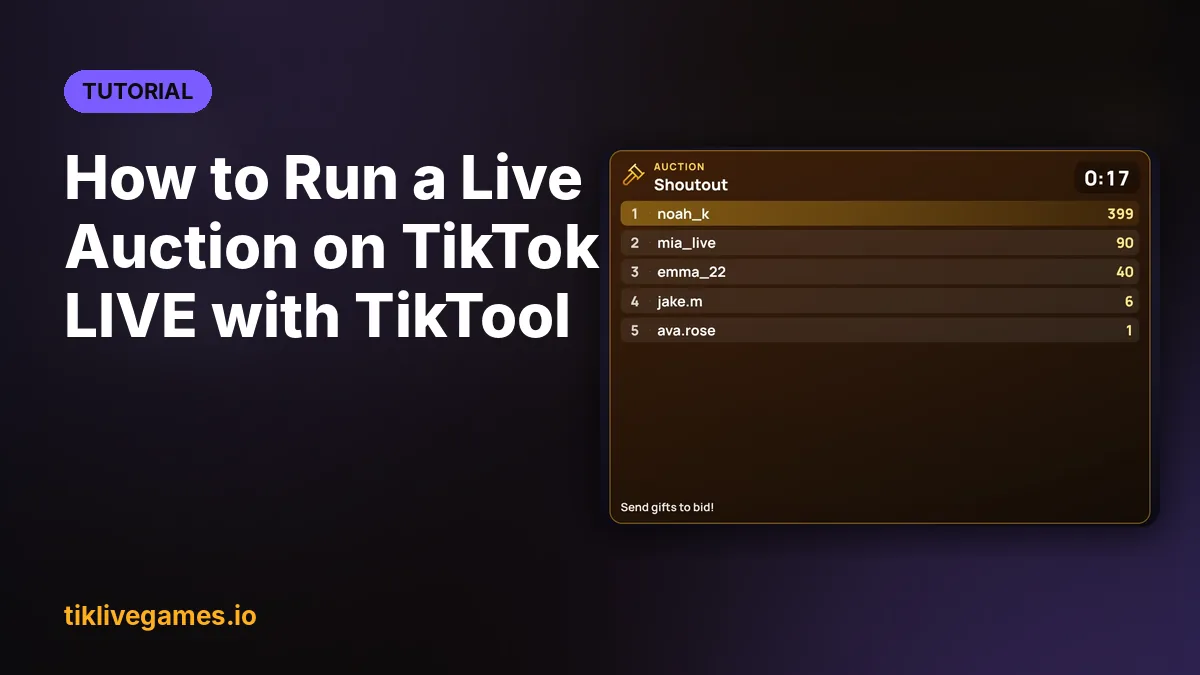
A live auction turns your gifts into a race: you put a prize on the table, start a timer, and every gift a viewer sends during the auction adds its coin value to that viewer's bid. When the time is up, the highest bid wins. TikTool runs the whole auction for you, shows the top bidders on stream and announces the winner.
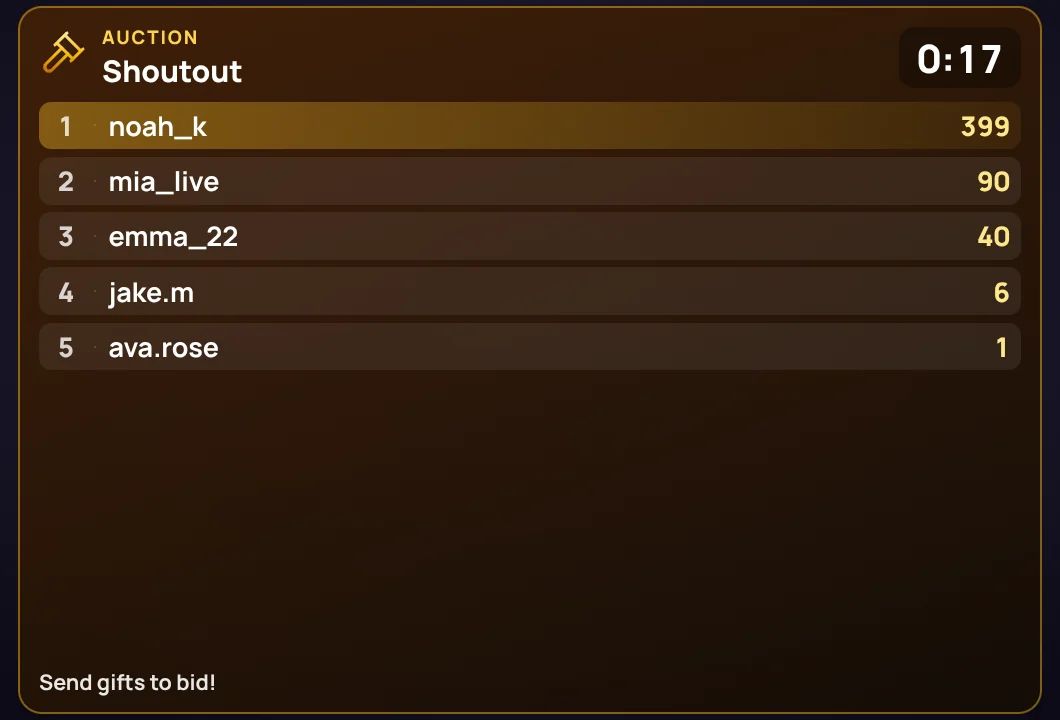
How the live auction works
- You choose a prize, a duration and a minimum bid, then press Start.
- While the auction runs, the coin value of every gift is added to that viewer's bid. A Rose adds 1 coin, a Galaxy adds 1,000 — and gifts add up, so viewers can raise their bid as often as they like.
- The overlay shows the prize, the time left and the top 5 bidders live.
- A bid in the last 10 seconds tops the time back up to 10 seconds, so nobody can steal the win in the final second (you can turn this off).
- When time is up, the highest bid wins. On a tie, the viewer who reached that amount first wins. If nobody reached the minimum bid, there is no winner.
- The winner is announced on the overlay, and the AI co-host congratulates them by name, out loud.
Start an auction in TikTool
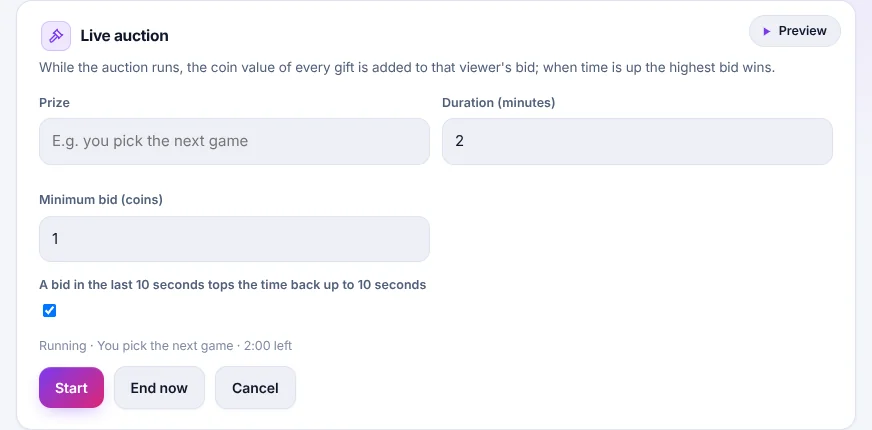
- Open TikTool and go to the Interaction tab.
- In the Live auction card, write the prize — for example “You pick the next game” or “A shoutout on stream”.
- Set the duration in minutes (2 minutes is a good start) and the minimum bid in coins.
- Leave “A bid in the last 10 seconds tops the time back up to 10 seconds” on for a fair finish.
- Press Start. The card shows the time left and the highest bid; End now closes it early and announces the winner, Cancel stops it without a winner.
Show it on your stream
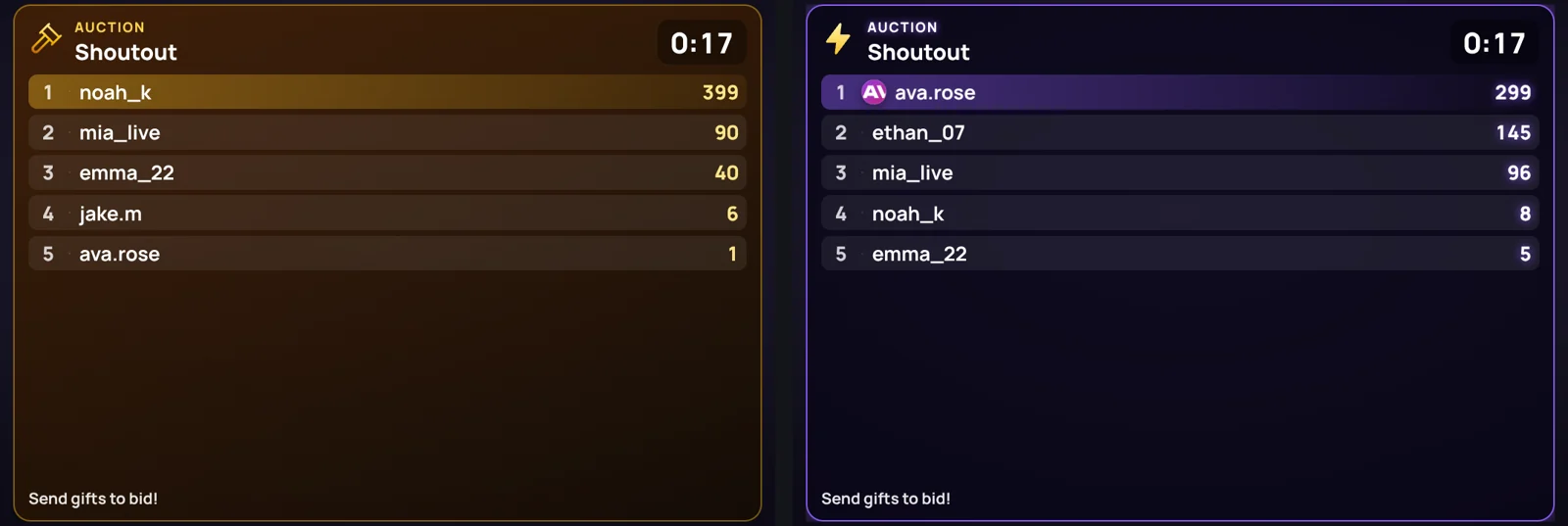
The auction appears on the same TikTool overlay you already use in TikTok LIVE Studio or OBS — no extra source to add. To turn it on, open the Overlay tab, find Live auction in the Overlay gallery and press Add. It shows up as a box in the stream preview: drag it where you want and pull a corner to resize it.
Prize ideas that work
- You pick the next game, map or song
- A shoutout or a follow-back on stream
- A 1-on-1 match against the streamer
- Naming your next character, pet or car in the game
- A spot in your next video
Tips for a better auction
- Keep auctions short: 1 to 3 minutes keeps the tension high.
- Say the prize out loud when you start and remind viewers that every gift counts as a bid.
- Read out the top bid now and then — the AI co-host can do this for you.
- Use a minimum bid for bigger prizes so the winner really earned it.
- Only offer prizes you can give on TikTok LIVE, and follow TikTok's community guidelines.
The live auction is included in the TikTool Pro, Premium and Ultra plans.
Run your first live auction with TikTool. Get TikTool