
How to Add an AI Co-Host to Your TikTok LIVE
TikLiveGames Team · · 6 min read
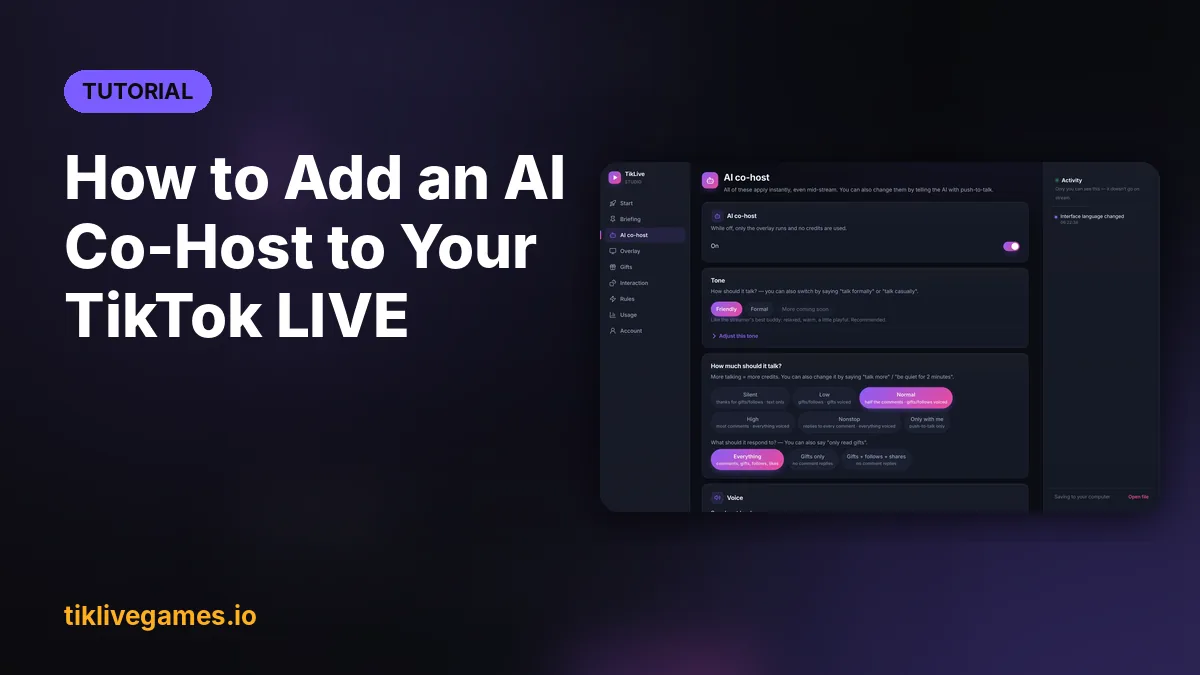
An AI co-host is a voice that talks on your TikTok LIVE for you. It welcomes new viewers, thanks every gift by name, answers questions in the chat and keeps the room alive while you play or prepare the next segment. Here is how to add one with TikTool in about five minutes.
What an AI co-host does on TikTok LIVE
- Greets viewers by name when they join or follow
- Thanks each gift by its real name, out loud, in your stream language
- Answers questions from the chat, or from you when you hold the push-to-talk key
- Optionally reads your screen and reacts to the game you are playing
- Searches the web live to answer questions like scores or news
- Remembers regular viewers so it can greet them again
What you need
- A Windows 10/11 PC or a Mac
- TikTok LIVE Studio, OBS Studio or Streamlabs
- A public TikTok account with LIVE access
- A TikTool Pro, Premium or Ultra plan (the AI co-host is not in Standard)
Set it up
- Buy a TikTool plan at tiklivegames.io/tiktool and download the app from the link in your email.
- Open TikTool, sign in with the same email and enter your TikTok username.
- In the Start tab, copy the overlay link and add it as a Browser Source (1080 × 1920 for portrait) in your streaming app.
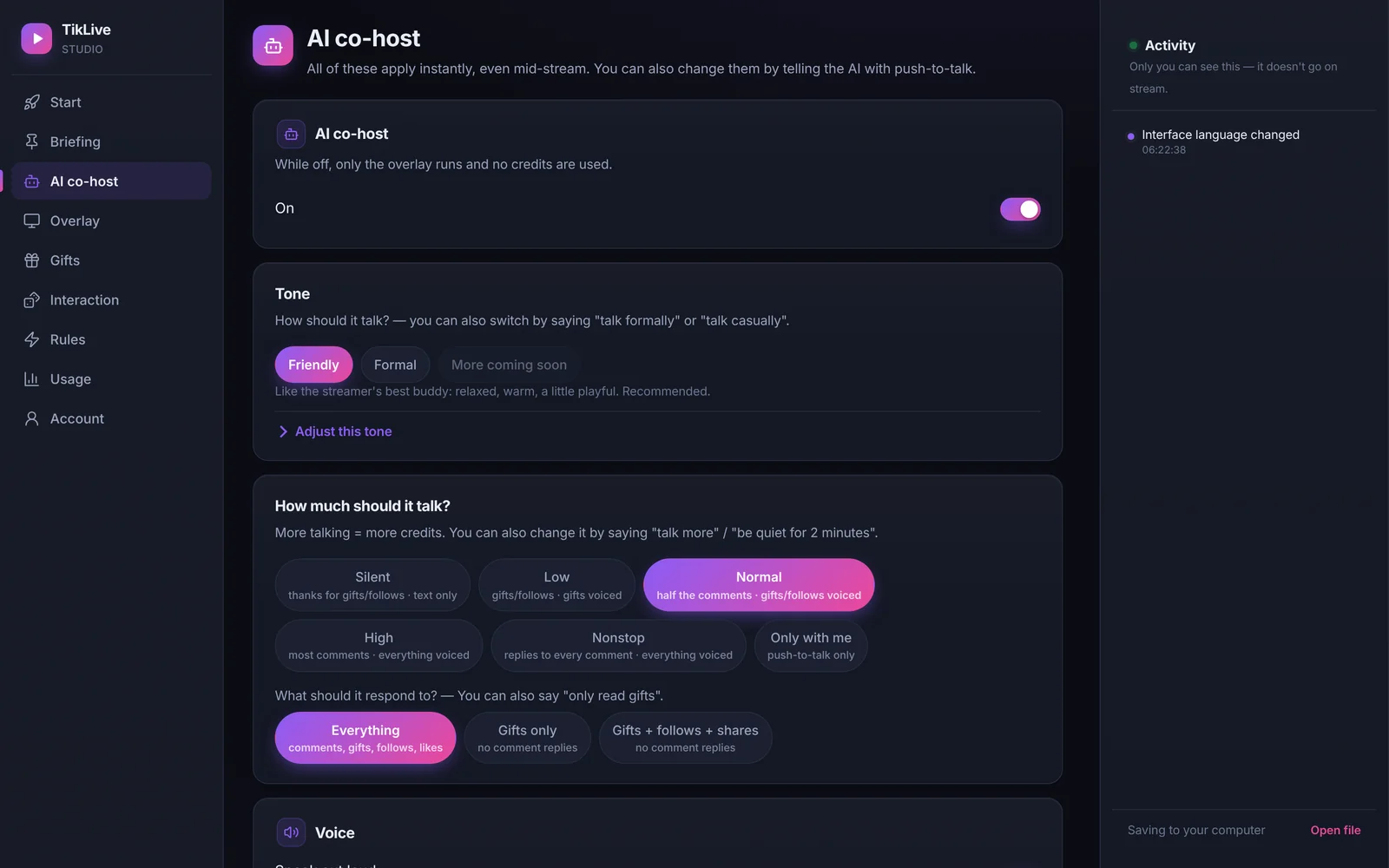
- Open the AI co-host tab, pick a voice, a tone and how much it should talk.
- Tell it about your stream in one or two sentences so it stays on topic.
- Go live. Hold the push-to-talk key to ask it anything on air.
Tips for a co-host that viewers love
- Start with a medium talk level and lower it if the chat is busy
- Give it a personality that matches yours: calm, funny or hype
- Say "only read gifts" or "talk less" mid-stream to change it instantly
- Combine it with an interactive game so gifts trigger both a reaction and a game action
Ready to add an AI co-host? Get TikTool