
TikTok LIVE Gift Games: What TikTok's Rules Say
TikLiveGames Team · · 5 min read
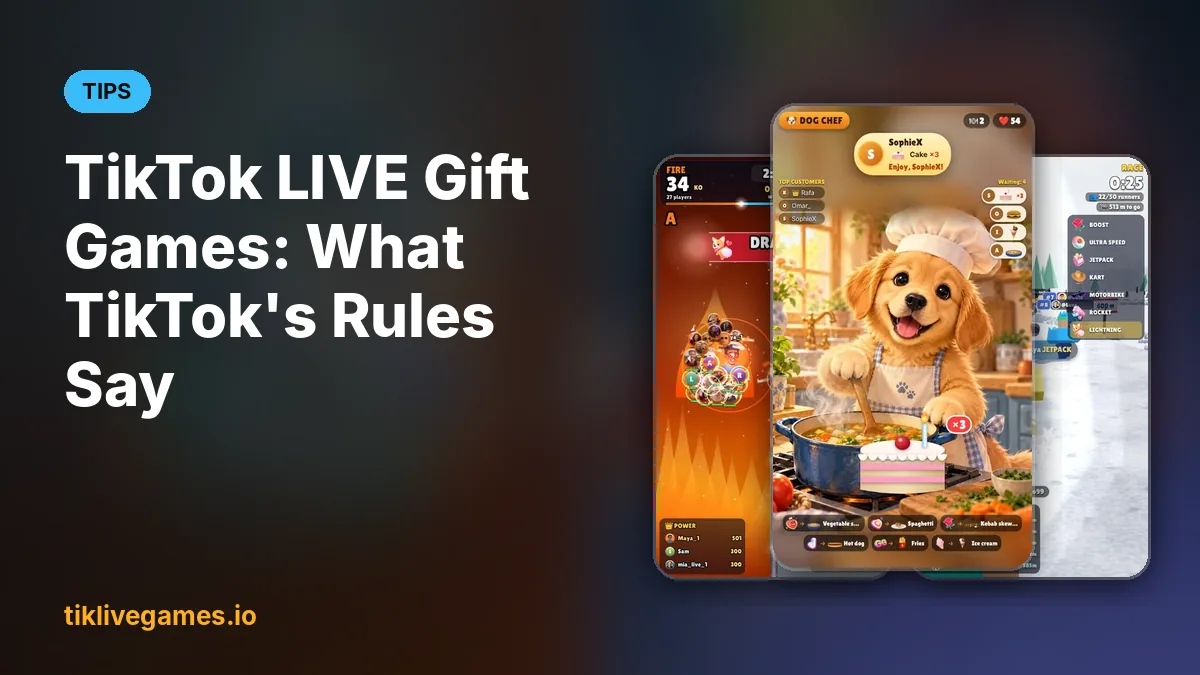
Interactive gift games are an official TikTok LIVE format: viewers send gifts, comment and like, and the game reacts on screen. TikTok's rules apply to every LIVE, games included. Here is what TikTok's own LIVE Studio help pages and policies say, in short quotes with links, and what it means for a gift game stream.

Gift games are an official LIVE format
TikTok's LIVE Studio help describes it like this: "Interactive Games lets viewers influence the game you are playing by sending Gifts that trigger in-game effects." Asking for gifts is part of it too. TikTok's small gift guidance suggests lines such as "Drop a Rose and I'll give you a quick shoutout.", and LIVE goals and gift votes work the same way: a gift gets a visible reaction on stream.
Stay present: don't leave the game running alone
TikTok's LIVE Community Guidelines say: "Creators are recommended to be present and on screen throughout the duration of the LIVE." Stepping away for too long "may be perceived as a lack of engagement", and "If you must leave, pause the LIVE." They also say that streaming previously recorded content in TikTok LIVE is not recommended, so a looping recording is not a LIVE either.
- Be on camera or on the mic, talk to your viewers and react to gifts
- Explain the game to new viewers and say what each gift does
- Thank gifters by name and react to what their gift did
- Need a break? Pause or end the LIVE instead of leaving the game alone
- An AI assistant can answer your questions on air, but it does not replace you
Ask for gifts in a friendly, honest way
Tie a gift to something fun on stream, such as a boost in the race, a shout-out or a vote, and keep it friendly instead of pushy. Do not present gifts as donations or a fundraiser: TikTok's EEA Rewards Policy names "encouraging gifting through the representation of fundraising campaigns and/or donations without TikTok's consent" as a breach.
No gambling, raffles or spin-the-wheel for prizes
The LIVE Community Guidelines are short on this: "Do not promote gambling." Do not run raffles, lotteries, spin-the-wheel or random draws where a gift buys a chance at money, gift cards, items or other money-like prizes. Games where the result comes from what viewers do, like a race, a team battle or a reaction game, are the better format.
Keep your screen to the game
TikPilot is a third-party tool, so keep what it puts on screen to the game itself: the game, the gift guide and the gift alerts. The LIVE Community Guidelines say "Do not show information from a third-party platform" and "Do not display QR codes", so leave out QR codes, links and handles from other platforms. For copyright reasons they also advise against playing videos or screen-captured video content.
Gifts are 18+
On TikTok, only people aged 18 and over can send or receive LIVE gifts. Never encourage younger viewers to send gifts.
What TikTok may do after violations
When a LIVE breaks the rules, TikTok may end it, show it to fewer people or restrict your LIVE features for a time. After repeated violations, TikTok may restrict LIVE access for longer or permanently. Under its Rewards Policy, TikTok may also deduct rewards or suspend access to its rewards programs. TikTok sets these rules and can change them, so check its pages and the notices in your TikTok app.
How TikPilot helps
- Neutral calls to action by default: game texts say what a gift does instead of pressuring viewers
- A streamer tip in every game reminds you to stay present and talk to your viewers
- Every gift action is optional: choose which gift does what, change it or turn it off in the game menu
- The Controls window keeps your streamer buttons off the stream, so viewers see only the game
Related guides
- TikTok Community Guidelines
- How We Keep Our TikTok LIVE Games Within TikTok's Rules
- TikTok LIVE Gift Games: How Gifts Control the Game (and Bring More Gifts)
- How to Do a TikTok Game Stream with LIVE Studio and TikPilot
- How to control your stream with the TikPilot Controls window
- All TikTok LIVE games
This guide is general information, not legal advice; TikTok's own rules always apply. TikTok is a trademark of its owner. TikPilot and TikLive Games are not affiliated with TikTok.
Find a gift game for your stream. Browse games
Frequently Asked Questions
Are gift games allowed on TikTok LIVE?
Yes. TikTok's LIVE Studio help describes Interactive Games, where viewers send gifts that trigger in-game effects. Run them within TikTok's Community Guidelines: stay present, ask for gifts honestly and do not promote gambling.
Can I ask viewers for gifts?
Yes, in a friendly way. TikTok's own small gift guidance suggests lines like "Drop a Rose and I'll give you a quick shoutout." Do not present gifts as donations or a fundraiser.
Can I leave a game running on my LIVE while I am away?
Better not. TikTok recommends being present and on screen for the whole LIVE and says: "If you must leave, pause the LIVE."
Can I run a raffle or spin-the-wheel with gifts?
Avoid it. TikTok's LIVE Community Guidelines say "Do not promote gambling", and games where a gift buys a chance at a money-like prize come close to that.
What happens if I break TikTok's LIVE rules?
TikTok may end a LIVE, show it to fewer people or restrict LIVE features, and after repeated violations for longer or permanently. TikTok may also deduct rewards or suspend access to its rewards programs.
How old do viewers have to be to send gifts?
On TikTok, only people aged 18 and over can send or receive LIVE gifts.