
TikTok LIVE Interactive Games Without Minecraft or Roblox
TikLiveGames Team · · 6 min read
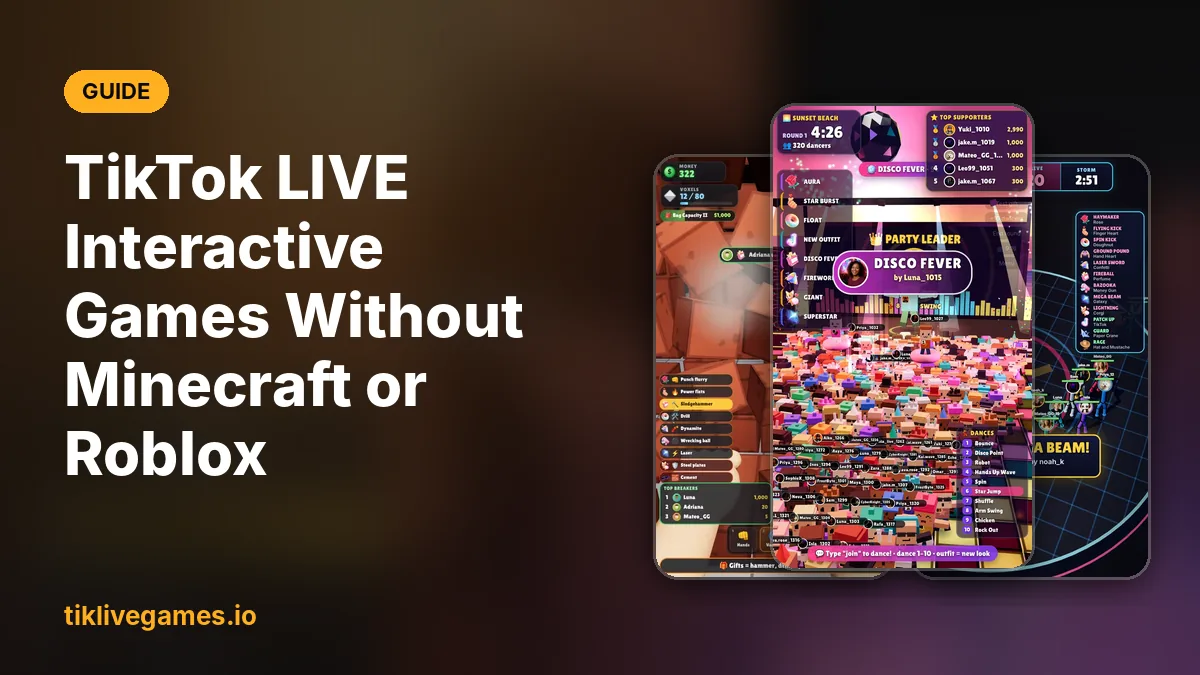
A lot of interactive TikTok streams run inside Minecraft or Roblox: a gift spawns a mob, drops TNT or launches the streamer into the air. It is fun to watch, but it takes a lot to set up. If you want the same gift-controlled chaos without building it yourself, you can play games that were made for TikTok LIVE from the start.
What a Minecraft or Roblox gift stream usually needs
- The game itself, running on a PC that can stream at the same time
- A mod, plugin or private server that turns commands into in-game actions
- A connector app that listens to your TikTok LIVE and sends each gift as a command
- A list that maps every gift to a command, kept up to date after game updates
- Cropping a landscape game into TikTok's portrait 9:16 screen
Every one of those pieces can break in the middle of a stream, and none of them shows your viewers' names or photos in the game unless you build that too.
What changes with games made for TikTok LIVE
- The TikTok connection is built in: type your TikTok username in TikTool and press Go live
- Portrait 1080 × 1920 from the start, so nothing is cut off on phones
- Viewers join by commenting, and their name and profile photo appear in the game
- Every gift does something you can see, with the gifter's name on it
- A gift guide on screen tells viewers which gift does what
- Menus and on-screen text in 20 languages
Games that give you the same feeling
If your viewers love breaking blocks, building, dancing or battling in a sandbox game, these games bring the same kind of fun to your live:
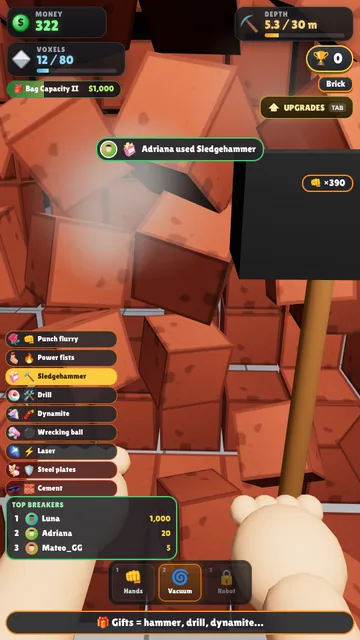
Wall Breaker: dig through a wall of blocks
You dig first person through a wall of thousands of cubes. Likes and gifts punch the tunnel forward, you vacuum the rubble, buy upgrades and try to break out.
Sand Breaker: viewers bury you in blocks
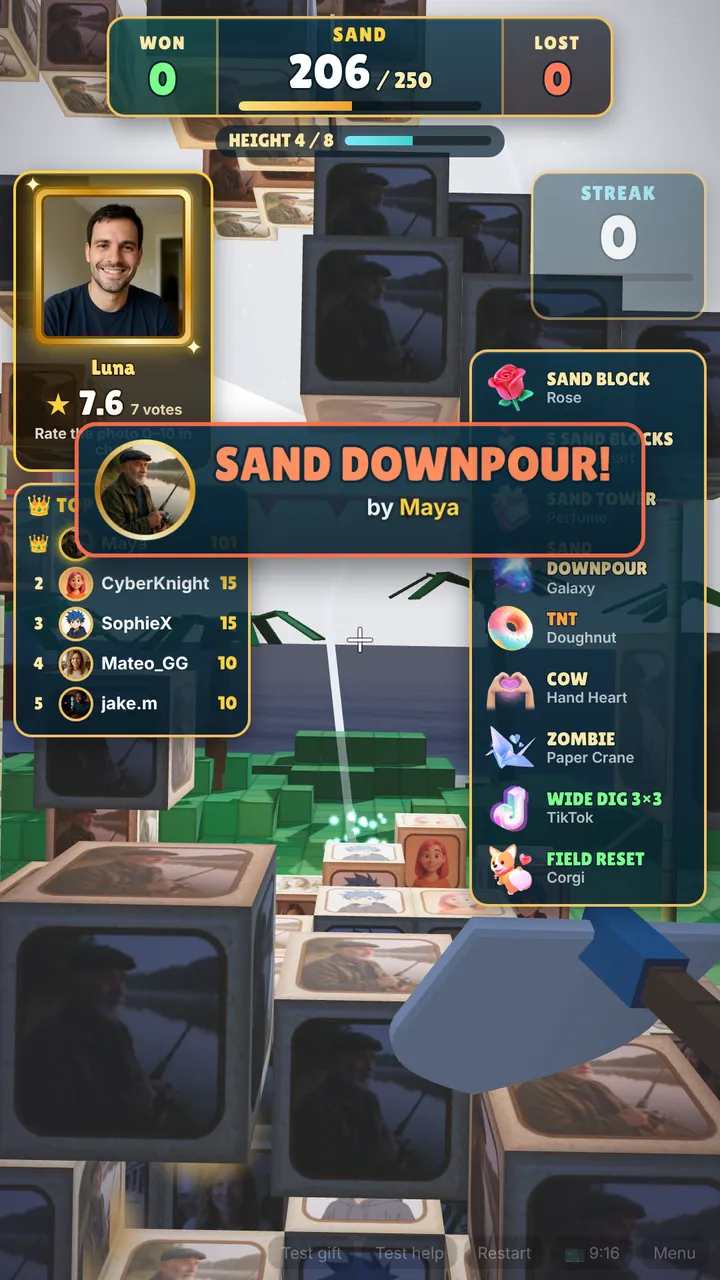
Viewers drop sand blocks printed with their own profile photo onto a tropical island. You dig the field clear with a shovel before the pile reaches the limit.
Block Disco: a voxel dance party
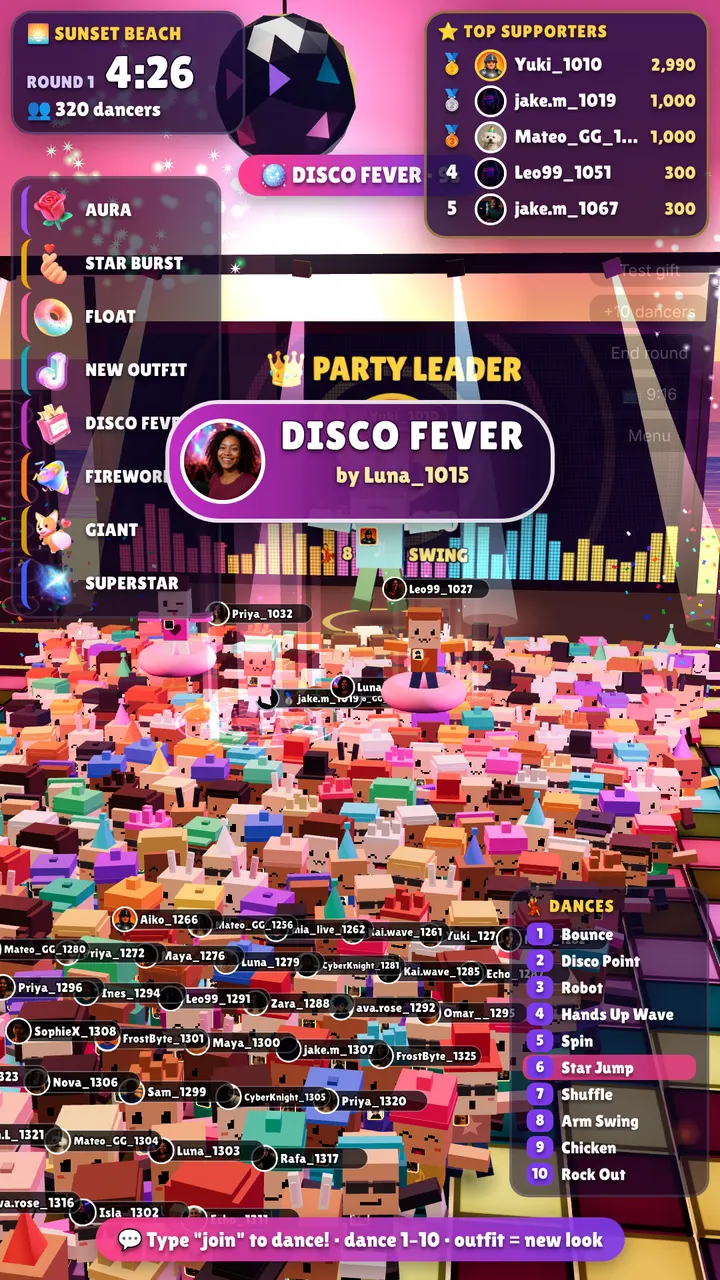
Viewers type join and land on a giant dance floor as their own blocky dancer. Gifts bring auras, fireworks and a crowned giant, and you can play your own music from YouTube.
Viewer Town: every viewer builds a house
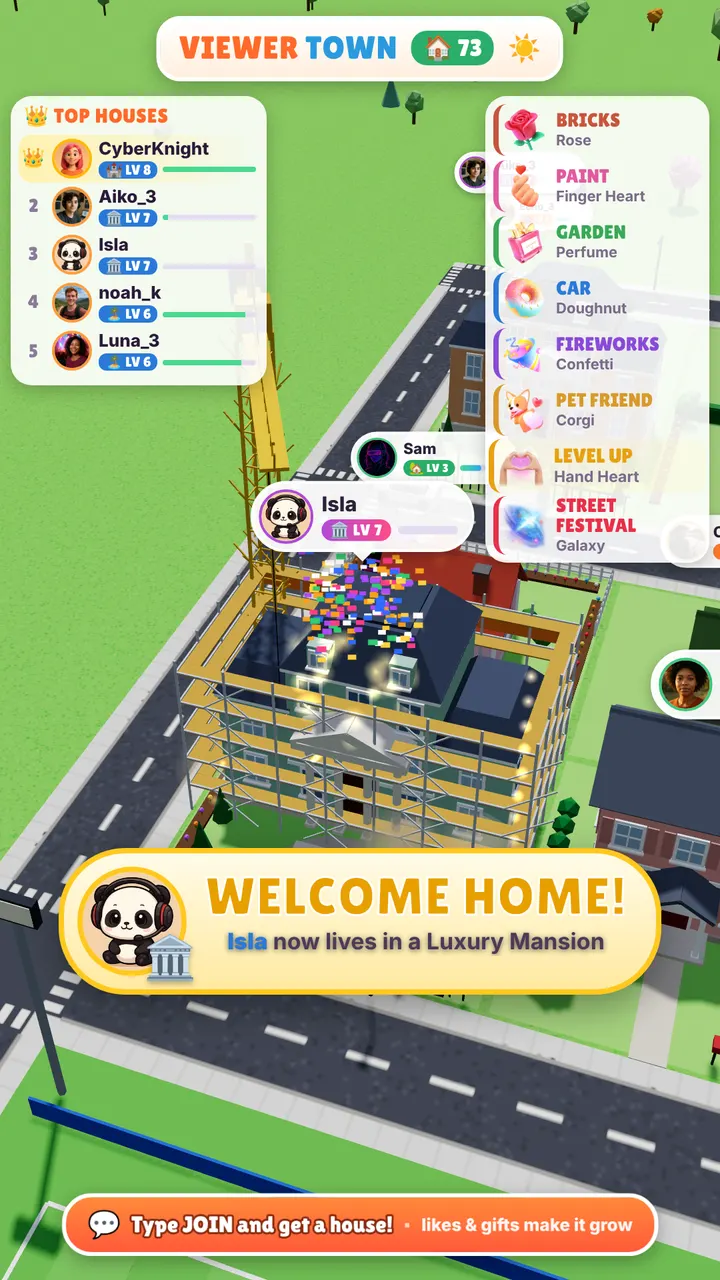
Every viewer gets a house. Gifts, likes and follows grow it from a small shack to a golden palace, with a crane, workers and confetti on every level-up.
Sky Tower: climb into the sky
Your climber goes up a 10,000-step tower. UP gifts fly it higher on eagles, rockets and a phoenix; DOWN gifts drag it back with meteors and a black hole.
Stick Brawl: a battle royale with your viewers
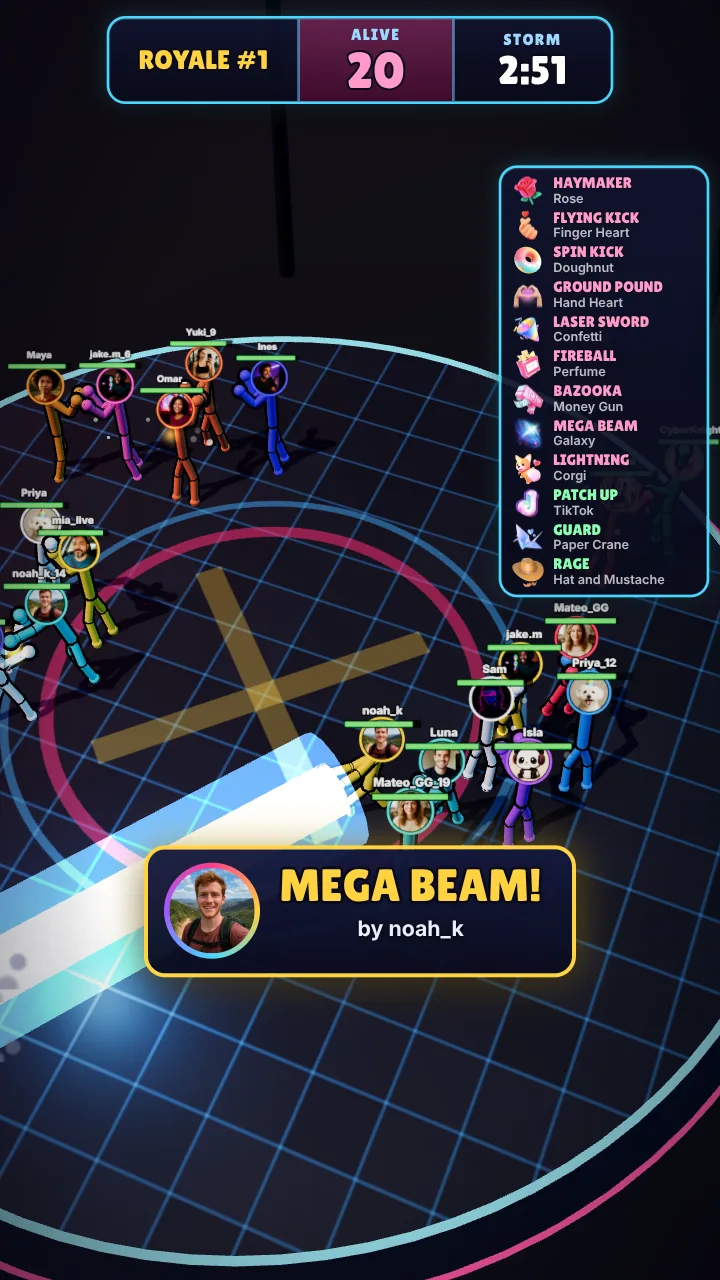
Viewers drop into the arena as stickman fighters with their own photo as the head. Every gift is a special move, and the last one standing wins.
Roof Skater and Crowd Race: obstacle runs
In Roof Skater you skate across 50 rooftop levels while viewers knock you down or save you. In Crowd Race viewers comment to join a running race and gifts give boosts, jetpacks and rockets.
Set it up in five minutes
- Get TikTool and a game from tiklivegames.io
- Open TikTool, go to Store, download the game and press Play
- Pick a gift for each action in the game menu
- In TikTok LIVE Studio or OBS, add a Window Capture of the game window (portrait, 1080 × 1920)
- Type your TikTok username in TikTool and press Go live
Can I still stream Minecraft or Roblox?
Yes. You can switch between your usual game and these games in the same stream, and TikTool's overlay, gift alerts and AI co-host work over any game you capture.
Each game can be bought on its own, or you can get every game together with TikTool Premium.
Minecraft and Roblox are trademarks of their owners. TikTool and TikLive Games are not affiliated with them.
See every game made for TikTok LIVE. Browse games