
TikTok LIVE Studio Interactive Games: What's New in 1.40.2
TikLiveGames Team · · 7 min read
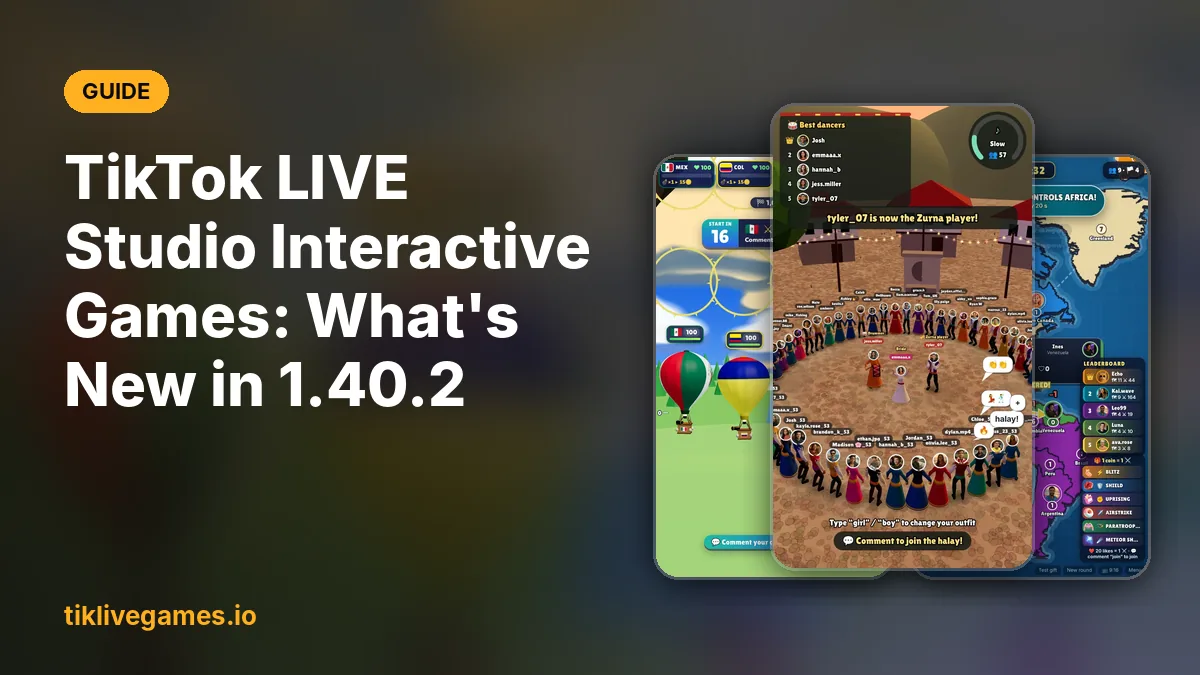
TikTok LIVE Studio has its own Interactive Games library, and version 1.40.2 brings something new for it: after each LIVE, creators will see the Diamonds, viewers and engagement their games brought in. Here is what TikTok announced, how the built-in library works, what the update means for other interactive games, and how to add any game to your LIVE.
Updated on November 19, 2026. We will update this page when the new features reach all creators.
What TikTok announced in LIVE Studio 1.40.2
The "What's new" panel of TikTok LIVE Studio 1.40.2 lists three features and one general improvement:
- Dynamic effects: "Added more focus switch effects, camera filters, and the option to upload custom sound effects. Available soon for all creators."
- Interactive Games: "Added performance insights regarding Diamonds, viewers, and engagement from your games after each LIVE. Available soon for all creators."
- Stickers: "Added text stickers in multiple themes to customize your LIVE. Available soon for all creators."
- Improvements: "Refined details for smoother use."
"Available soon for all creators" means a staged rollout: some accounts get the features first, the rest later. If you don't see them after updating, that is normal.
TikTok's own Interactive Games library
TikTok LIVE Studio comes with a built-in Interactive Games library. You open it from the Tools menu, choose a game and start it in your LIVE. A third-party tutorial counted about 16 games in it. These games use pre-selected templates: they are quick to start, with fewer options to change.
- Update TikTok LIVE Studio and log in with your TikTok account.
- Open the Tools menu and choose Interactive Games.
- Pick a game, follow its setup and go LIVE.
At least one outside studio, Devign, says its game "Haunted River LIVE" is now in TikTok LIVE Studio under Interactive Games. TikTok has not published an application form or a developer program for this library.
New insights: Diamonds, viewers and engagement after each LIVE
With 1.40.2, after each LIVE you will see performance insights for the games you played from the library: Diamonds, viewers and engagement. That matters for three reasons:
- You see which game earns the most Diamonds instead of guessing.
- You can compare games and keep the ones your viewers really play.
- You learn when a game keeps viewers in your LIVE and when it loses them.
The notes only mention games from the library. For any game, a habit helps: write down after each LIVE which game you played, for how long, and how the stream went.
Does this affect third-party games?
No. The release notes don't mention any change for third-party interactive games. Games from other developers, including the TikPilot games from tiklivegames.io, keep working the usual way: you add them to TikTok LIVE Studio or OBS as a source, and nothing in the announcement bans or restricts them. TikTok's usual LIVE rules apply to every game, built-in or not.
Built-in library vs. bigger game catalogs: when to use which
The built-in library is the easiest start: it is already inside LIVE Studio, and soon it shows you Diamonds, viewers and engagement after each LIVE. A dedicated game catalog like tiklivegames.io is for creators who want more choice and more control:
- More than 90 interactive games instead of about 16: races, team battles, country games, dance games, city and driving games.
- Menus and on-screen text in 24 languages, so you can stream in your viewers' language.
- Every gift action is optional and changeable: choose which gift does what, or turn an action off.
- Viewers join with their name and profile photo on screen.
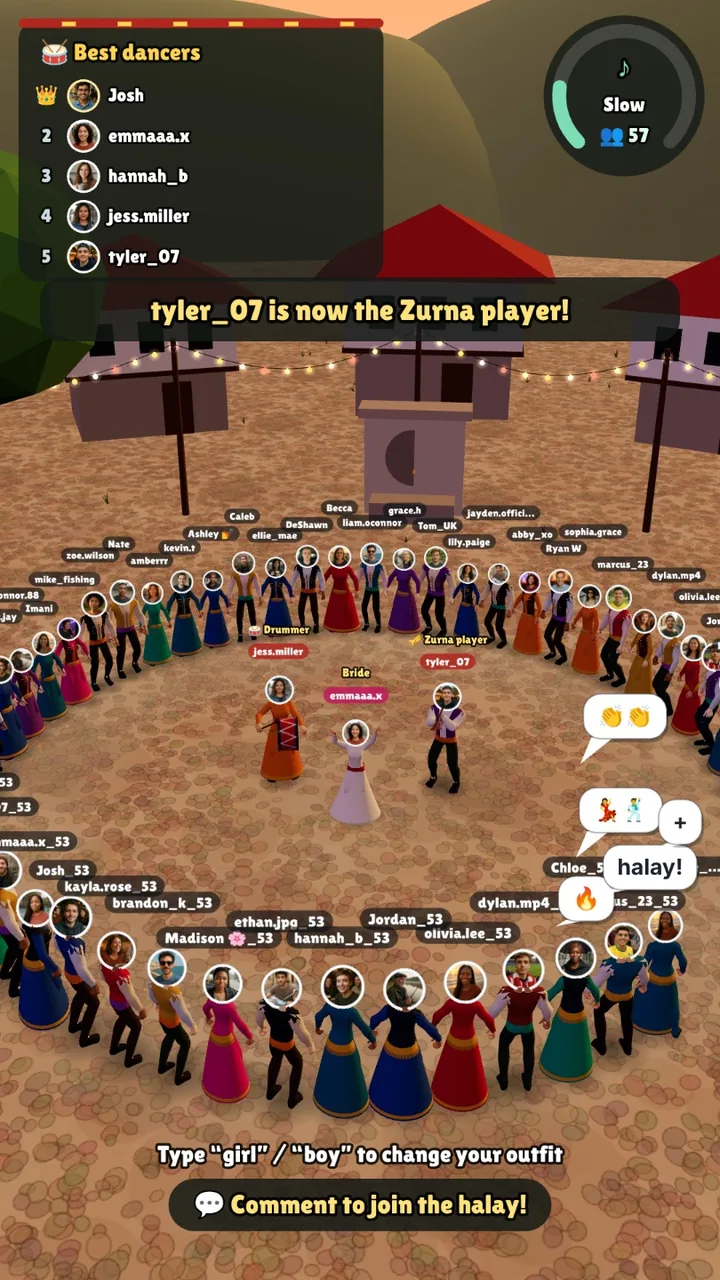
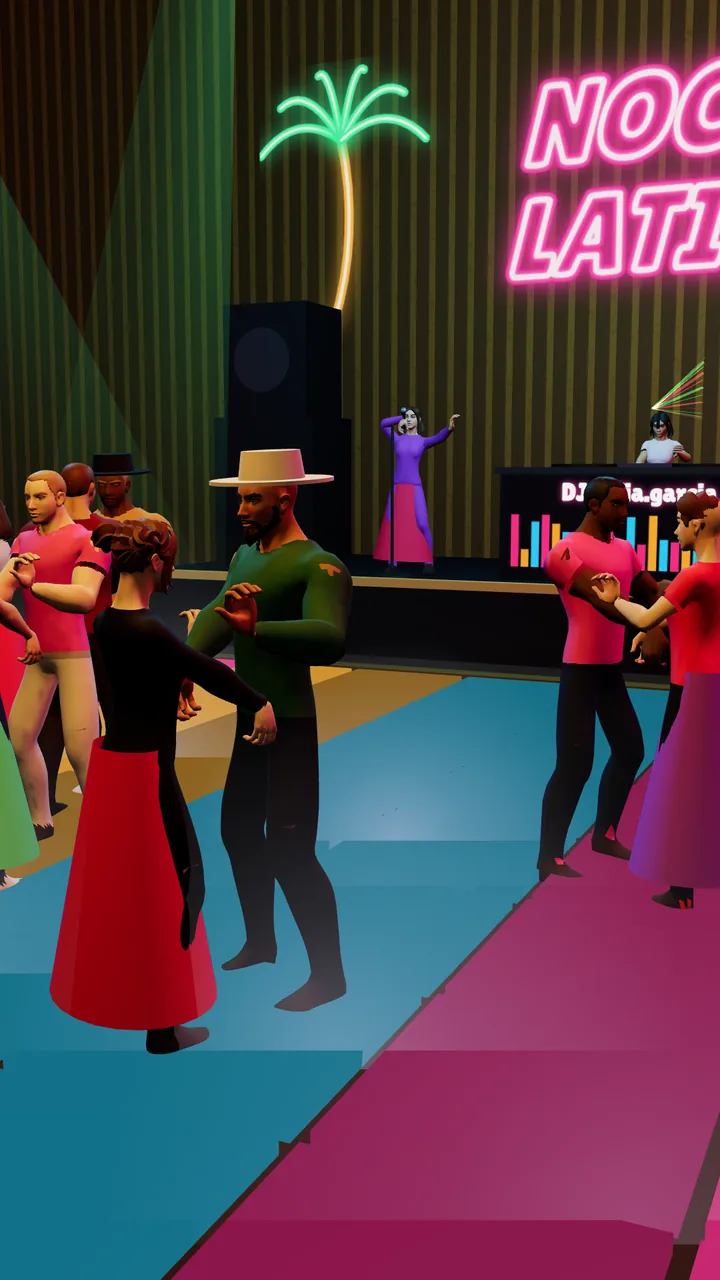
- Country games where viewers comment their country, and dance games such as Horon & Halay and Noche Latina.
- Works in TikTok LIVE Studio and in OBS, and TikPilot shows a report for each stream: coins, gifts, peak viewers and top senders.
Many creators use both: a built-in game for a quick start, and a game from a bigger catalog when they want their own theme, language or gifts.
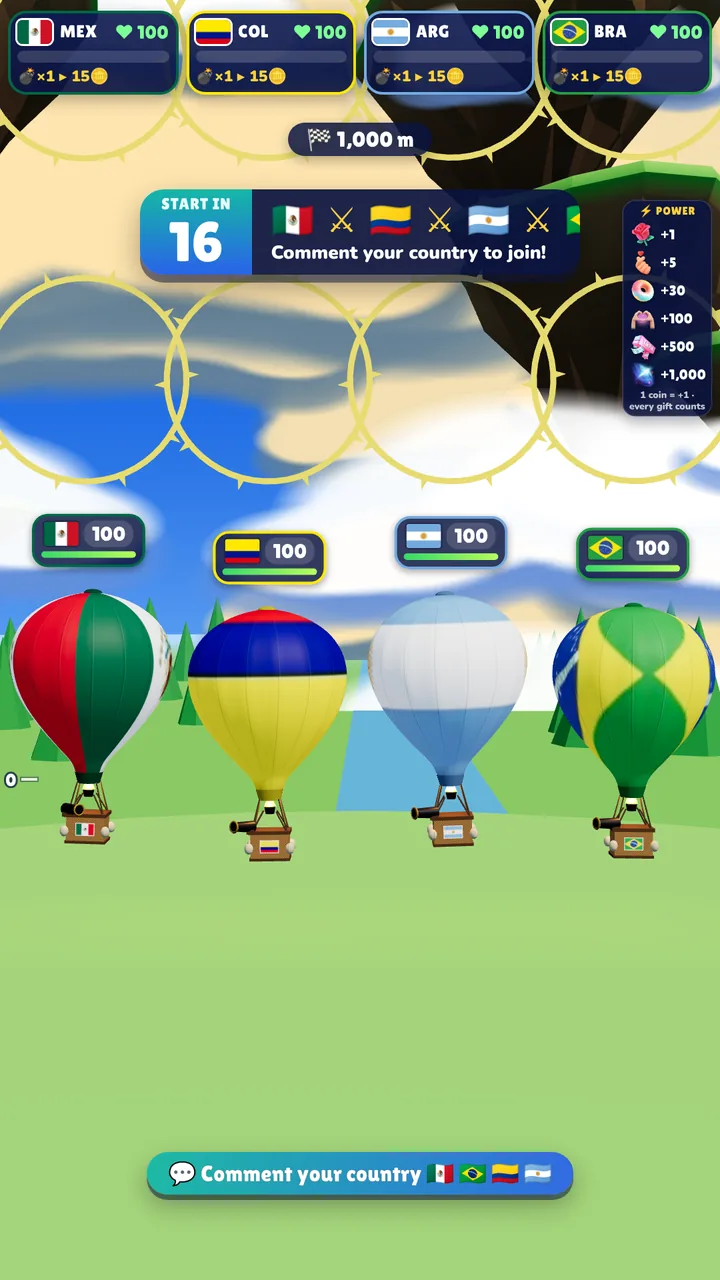
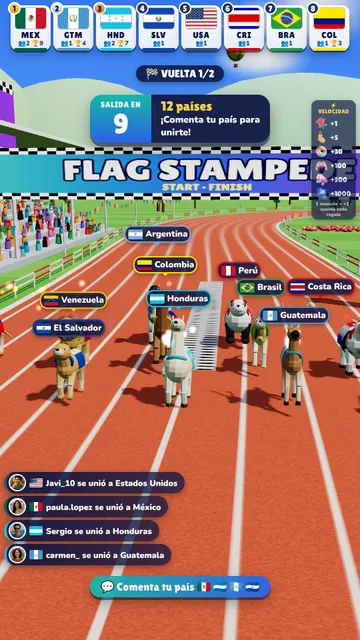
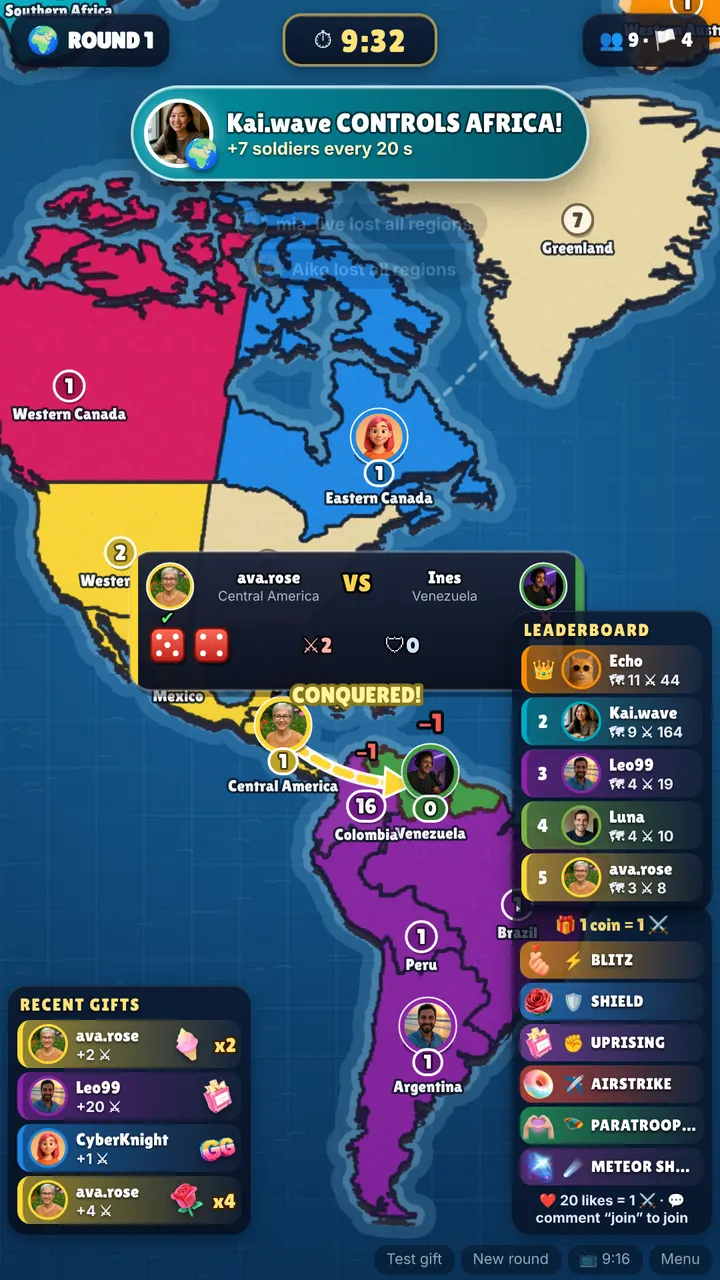
How to add an interactive game to TikTok LIVE Studio
For a game from the built-in library, use the Tools menu as shown above. For a TikPilot game from tiklivegames.io:
- Download TikTok LIVE Studio from TikTok's official page and log in.
- Open the game in TikPilot and press Play.
- On the Start tab, press Copy next to Game link.
- In LIVE Studio click Add source, choose Link and paste the link. Set 1080 × 1920 for a portrait game and fit it to the screen.
- Press Go live in TikPilot and start your LIVE. Gifts, comments and likes now play the game.
In OBS, TikPilot's Set up OBS button builds the scene for you in one click.
- Balloon Battle
- Flag Stampede
- World Conquest
- Horon & Halay
- Noche Latina
- Team Clash
- Grand Prix
- Run For Country
- All TikTok LIVE games
- TikPilot plans and prices
- TikTok LIVE Studio: Download & Setup Guide (2026)
- TikTok LIVE Analytics: See Who Sent Every Gift and Who Keeps Coming Back
- TikTok LIVE Gift Games: What TikTok's Rules Say
Sources
- TikTok LIVE Studio download page
- TokTutorials: how to set up interactive games in TikTok LIVE Studio
- Devign: Haunted River LIVE and other games
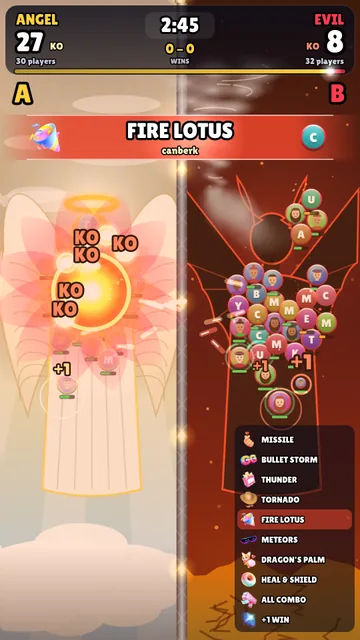
TikTok and TikTok LIVE Studio are trademarks of their owner. TikLive Games and TikPilot are not affiliated with or endorsed by TikTok. The pictures show our own games.
Want more than the built-in library? Browse our interactive TikTok LIVE games. Browse games
Frequently Asked Questions
What is new in TikTok LIVE Studio 1.40.2?
More dynamic effects (focus switch effects, camera filters, custom sound effects), performance insights for Interactive Games (Diamonds, viewers and engagement after each LIVE) and text stickers. All three are "available soon for all creators".
Where are the interactive games in TikTok LIVE Studio?
Open the Tools menu and choose Interactive Games. A third-party tutorial counted about 16 games there, all with pre-selected templates.
What do the new Interactive Games insights show?
After each LIVE they show the Diamonds, viewers and engagement that a game from the library brought in. They roll out to creators step by step.
Does LIVE Studio 1.40.2 block third-party games?
No. The release notes don't mention any change for third-party games. You can still add them to TikTok LIVE Studio or OBS as a source, as before.
Can developers add their games to TikTok's Interactive Games library?
There is no public application form or developer program for it. At least one studio, Devign, says its game Haunted River LIVE is now in the library.