
Play TikTok LIVE Games Without TikFinity or Streamlabs: No Extra Tools Needed
TikLiveGames Team · · 5 min read
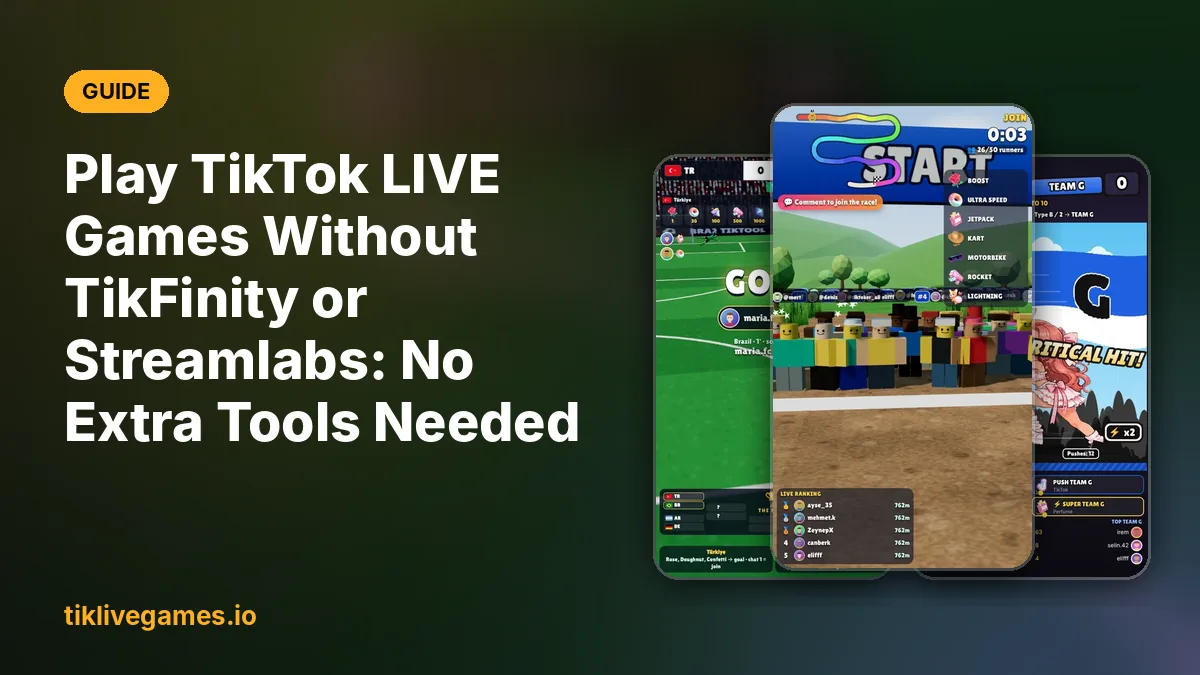
Many streamers who want to try an interactive TikTok LIVE game run into the same wall: the game needs another program running in the background to receive gifts. With the games from tiklivegames.io you don't need one. The game connects to your live by itself.
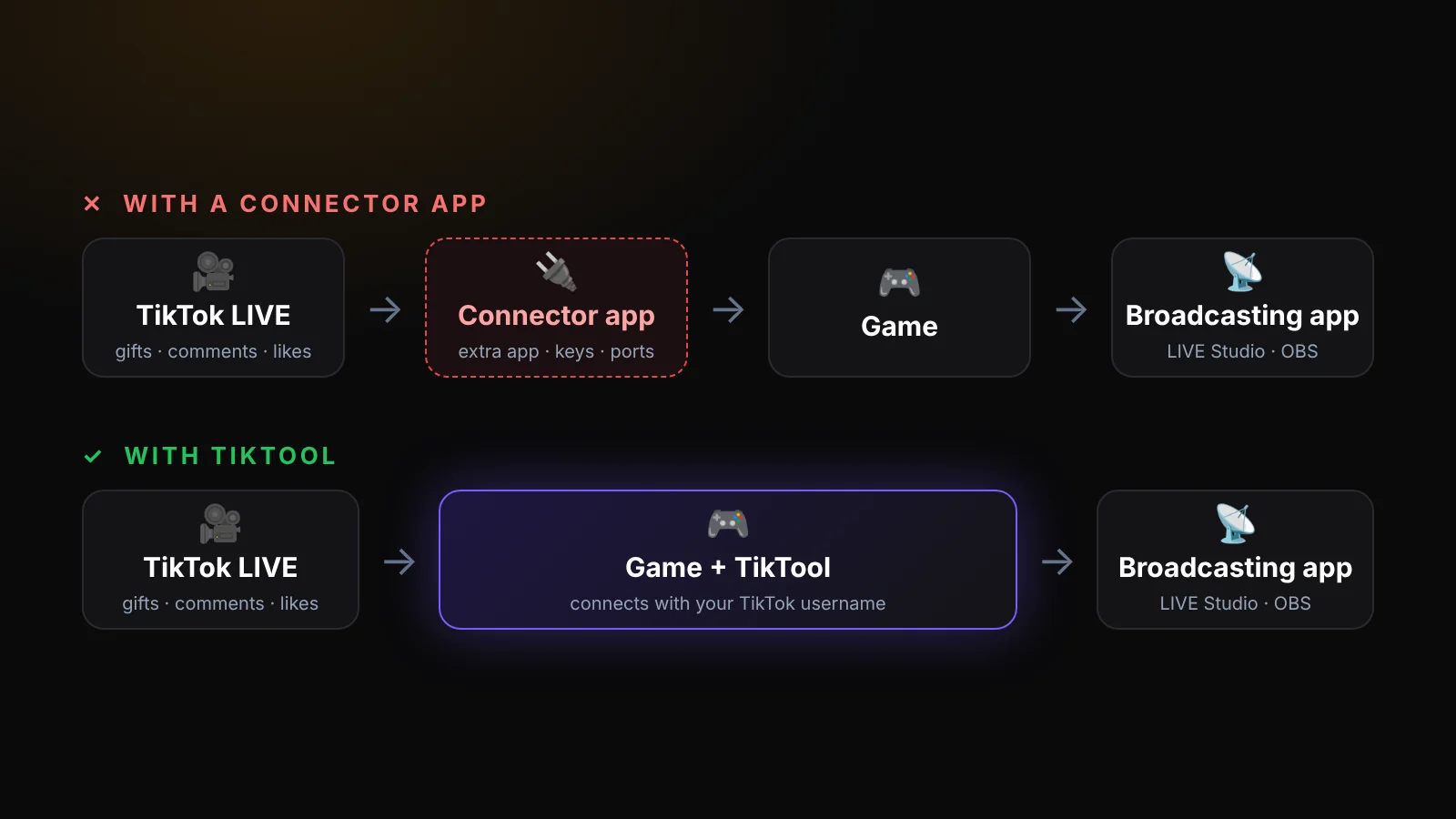
Why some TikTok LIVE games need a connector app
A game running on your PC does not receive your live's gifts automatically. Some games solve this by asking you to install a separate tool, for example TikFinity or Streamer.bot, that listens to your live and forwards the events to the game. That means a second app to install and keep open, settings to copy between them, and one more thing that can disconnect in the middle of a stream.
How our games connect
TikTool and every game in our store have the TikTok connection built in. You type your TikTok username and press Go live. From then on, gifts, comments, likes, follows and shares go straight into the game.
- What you need: TikTool (or the game) on a Windows PC or a Mac
- What you need: a TikTok account that can go LIVE, with a public profile
- What you need: a broadcasting app to show the game on your stream
- What you don't need: TikFinity or any other TikTok connector app
- What you don't need: Streamlabs alerts, widgets or its TikTok integration
- What you don't need: Streamer.bot, API keys, tokens or WebSocket settings
What you still need: a broadcasting app
Connecting and broadcasting are two different jobs. The game receives your viewers' gifts; a broadcasting app sends your video to TikTok. For that, use TikTok LIVE Studio (free) or OBS Studio, or Streamlabs Desktop if you already use it, and add the game window as a source. Your TikTok profile must be public so the game receives the events.
Set it up in five minutes
- Get TikTool and a game from tiklivegames.io
- Open TikTool, go to Store, download the game and press Play
- Pick a gift for each action in the game menu
- In TikTok LIVE Studio or OBS, add a Window Capture of the game window (portrait, 1080 × 1920)
- Type your TikTok username in TikTool and press Go live
Why fewer tools is better
- One app to start before you go live
- Nothing to copy between programs: no keys, tokens or ports
- Fewer things that can disconnect mid-stream
- No extra account or subscription to manage
- Games, overlays, gift rules and the AI co-host in one place
Can I keep my other tools?
Yes. If you use another tool for alerts or automation, you can keep it open. Our games simply don't depend on it.
TikFinity, Streamlabs and Streamer.bot are trademarks of their owners. TikTool and TikLive Games are not affiliated with them.
Browse games that work without extra tools. Browse games